PUBLISH & RANK FROM YOUR CRM
Write, organize, and publish articles directly on your websites and funnels with a native blog CMS — replacing WordPress at no extra cost. AI-assisted writing, built-in SEO fields, flexible scheduling, and an auto-generated RSS feed that broadcasts every new post across your social channels. Hands-off content distribution, natively integrated.
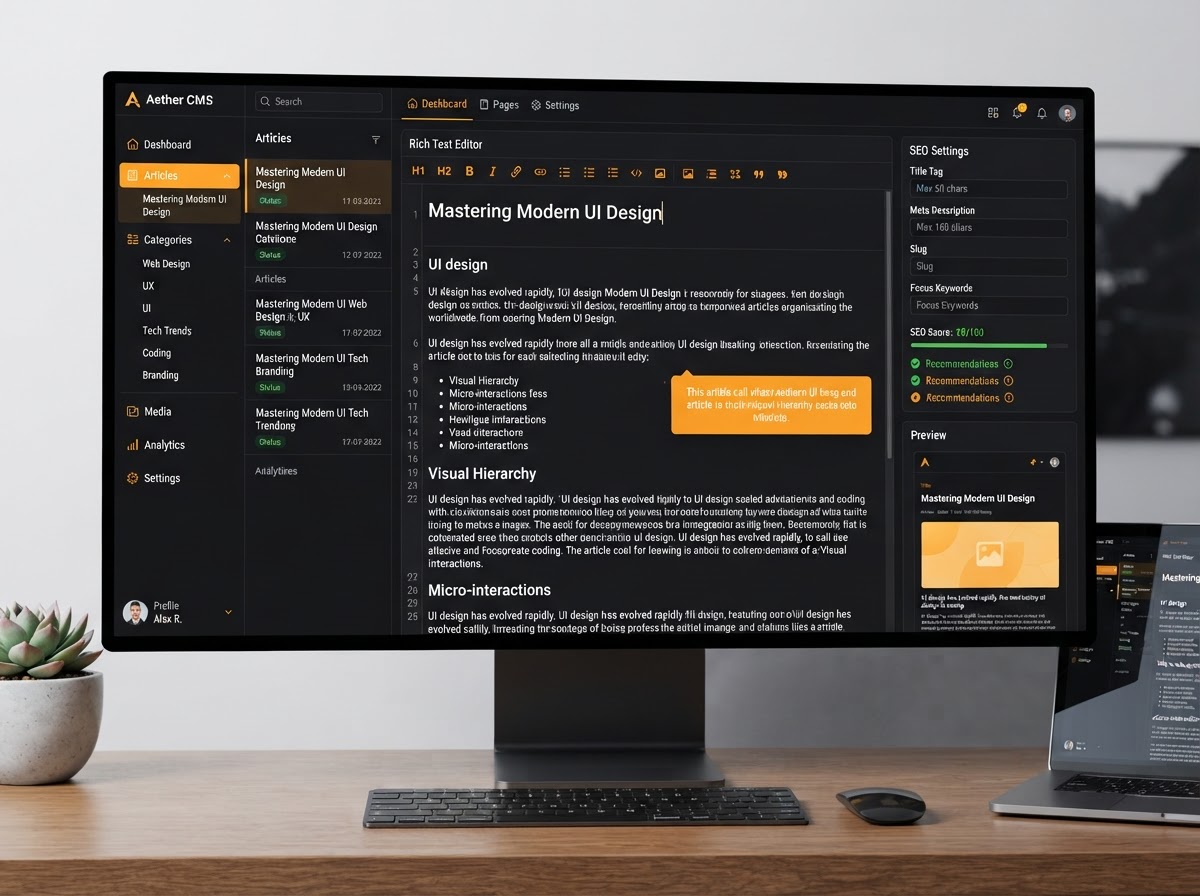
Your Native Blog CMS — Replacing WordPress
BUILD ANYTHING WITH WESTCOAST AI
Web apps, mobile apps, websites, AI agents, dashboards, and more — all from a single all-in-one platform.
EVERYTHING POWERING YOUR BLOG
Six core capabilities that turn your website into a full content engine — a rich text editor with AI, built-in SEO fields, content organization, flexible publishing, and drag-and-drop blog layouts. All native, no extra subscription.
 Editor
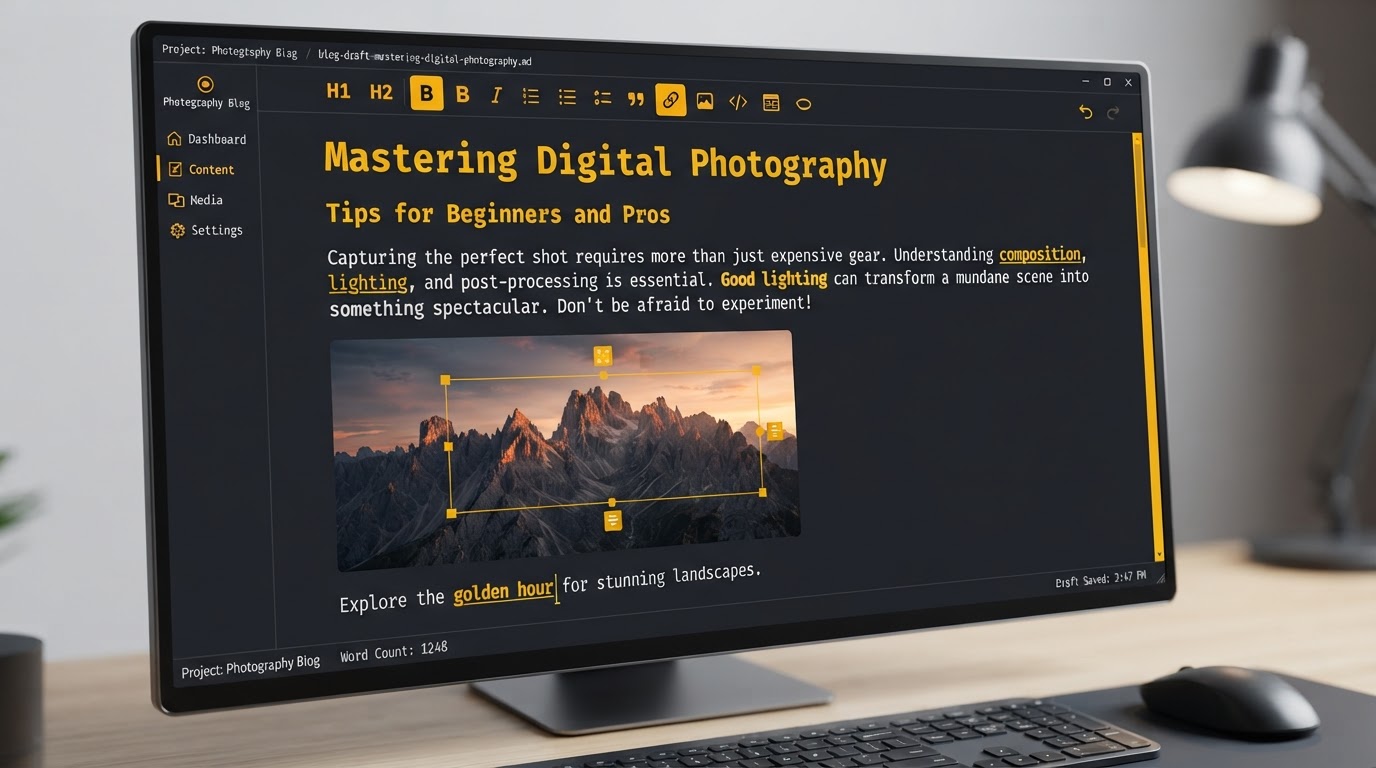
Integrated Blog Editor
Write and format articles in a word-processor-style editor with rich text formatting, hyperlinking, and multimedia embeds — images, YouTube videos, and audio files — directly inside your CRM. No external blogging platform required.
 AI
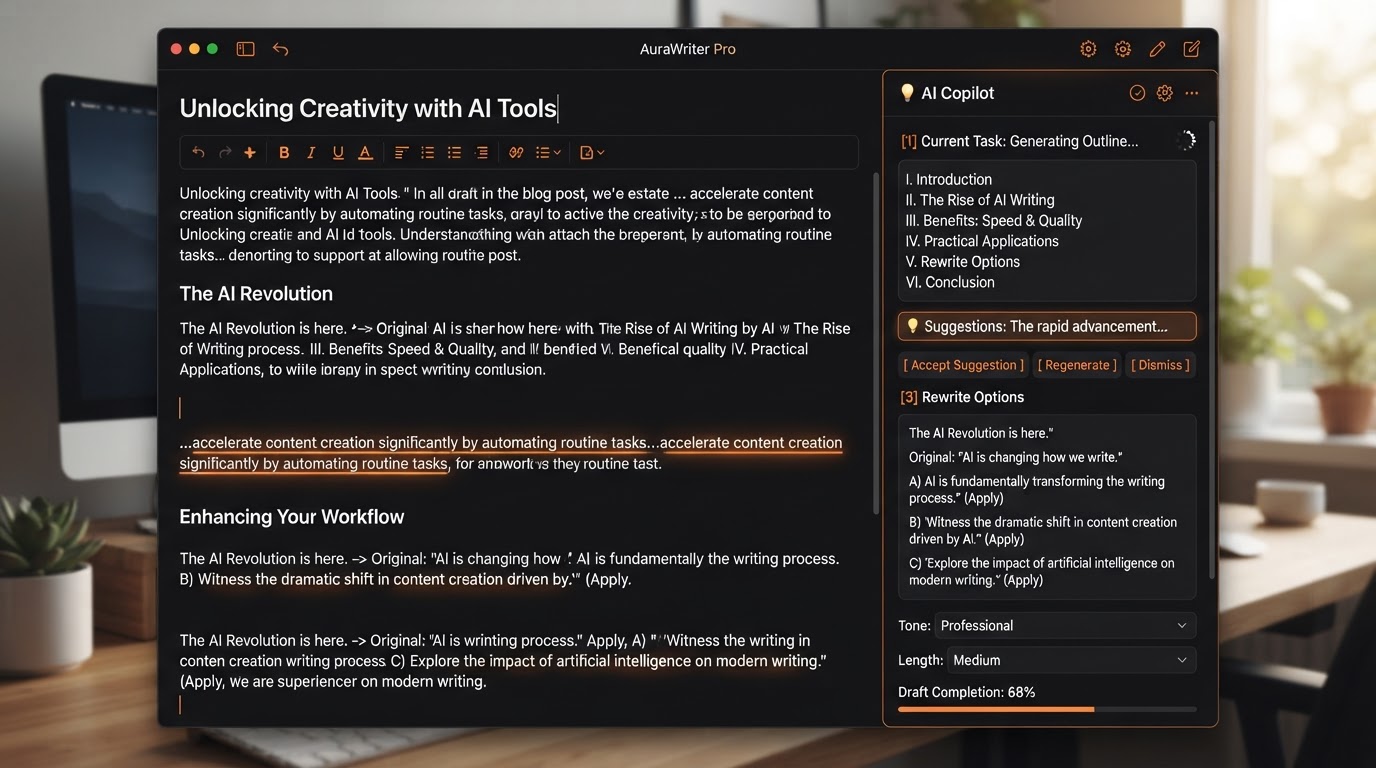
Content AI Assistance
Trigger the built-in AI writing assistant directly inside the editor to generate outlines, draft sections of text, or rewrite existing content. Overcome writer's block in seconds without leaving your blog dashboard.
 SEO
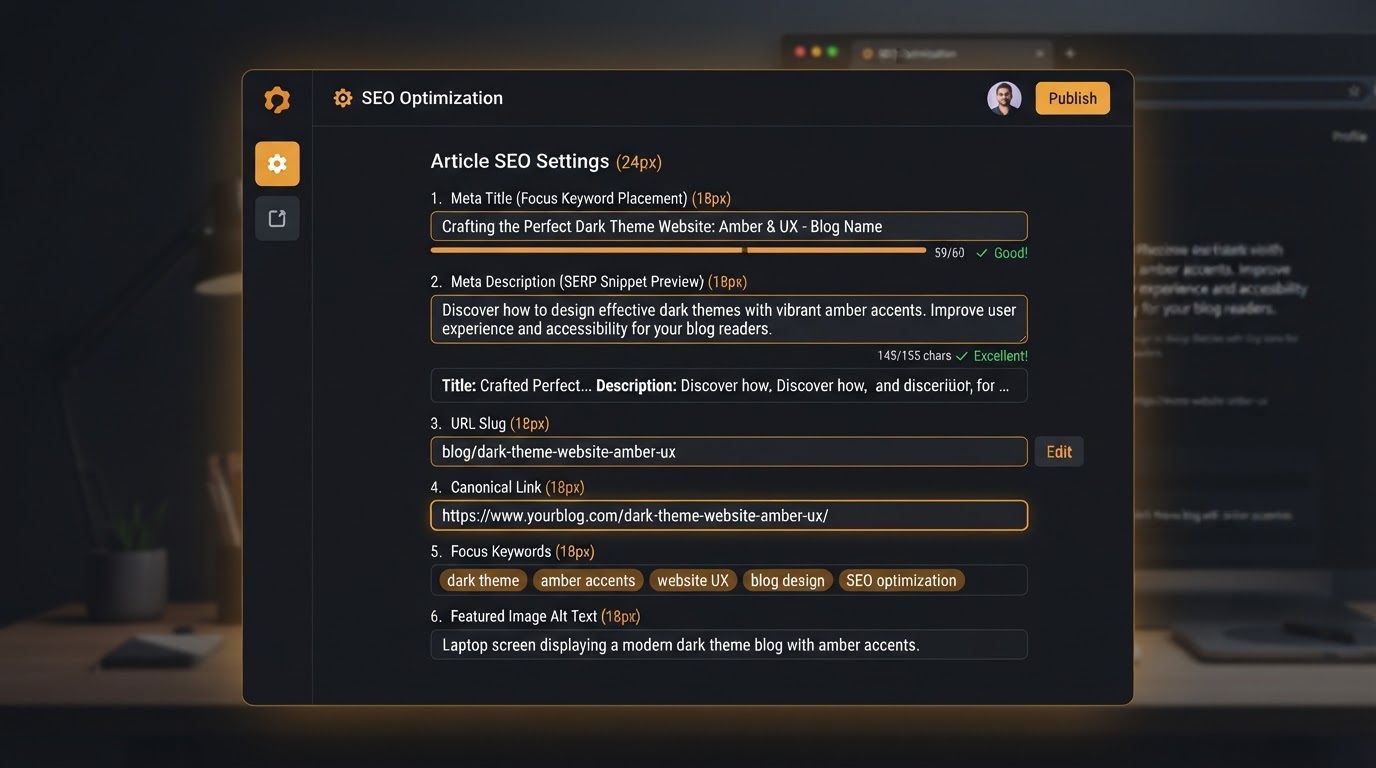
SEO Management
Dedicated fields to optimize every article for search engines. Set custom URL slugs, meta titles and descriptions, canonical links, keywords, and alt-text for cover images — all built in, no SEO plugin required.
 Organize
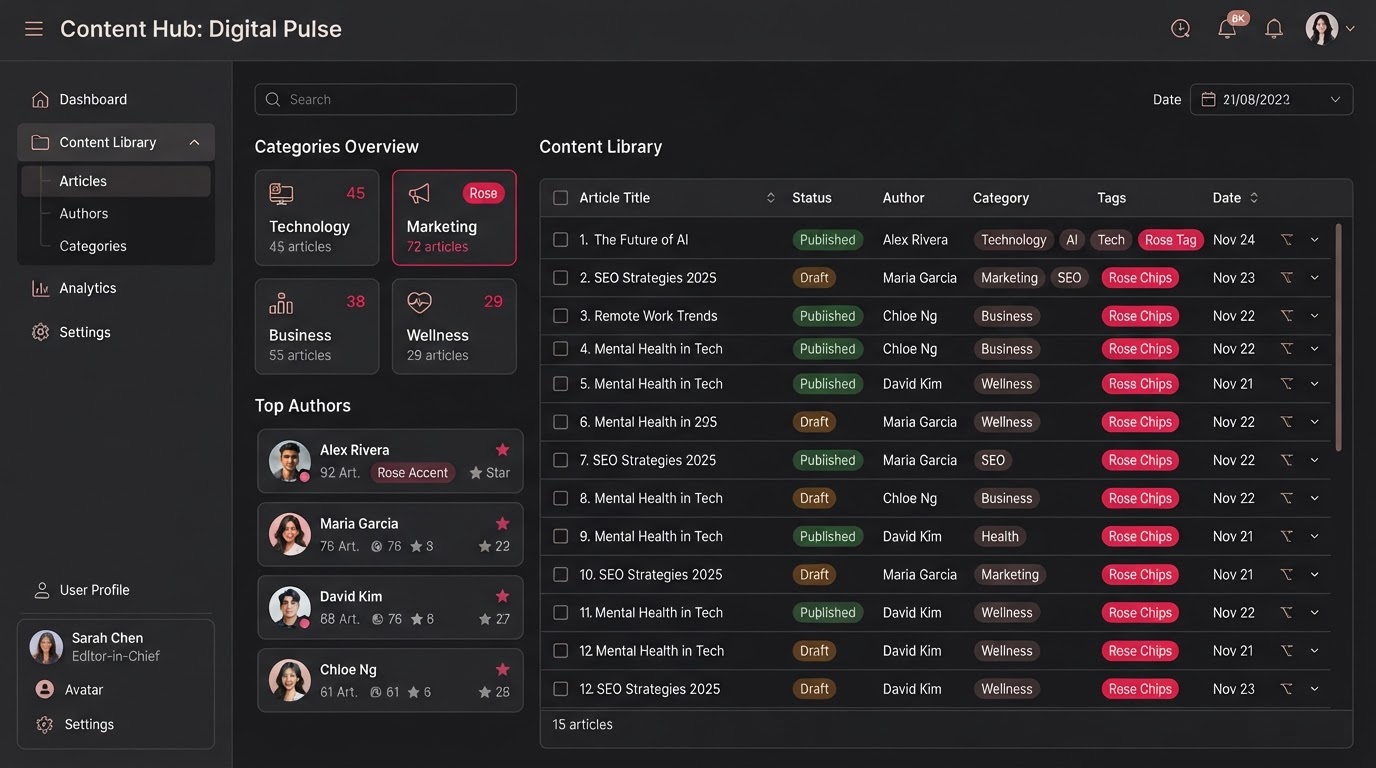
Content Organization
Create Author profiles and build Categories to keep your content library structured and easily navigable. Tag articles, filter by category, and let readers browse by topic — all managed natively within the CMS.
 Publish
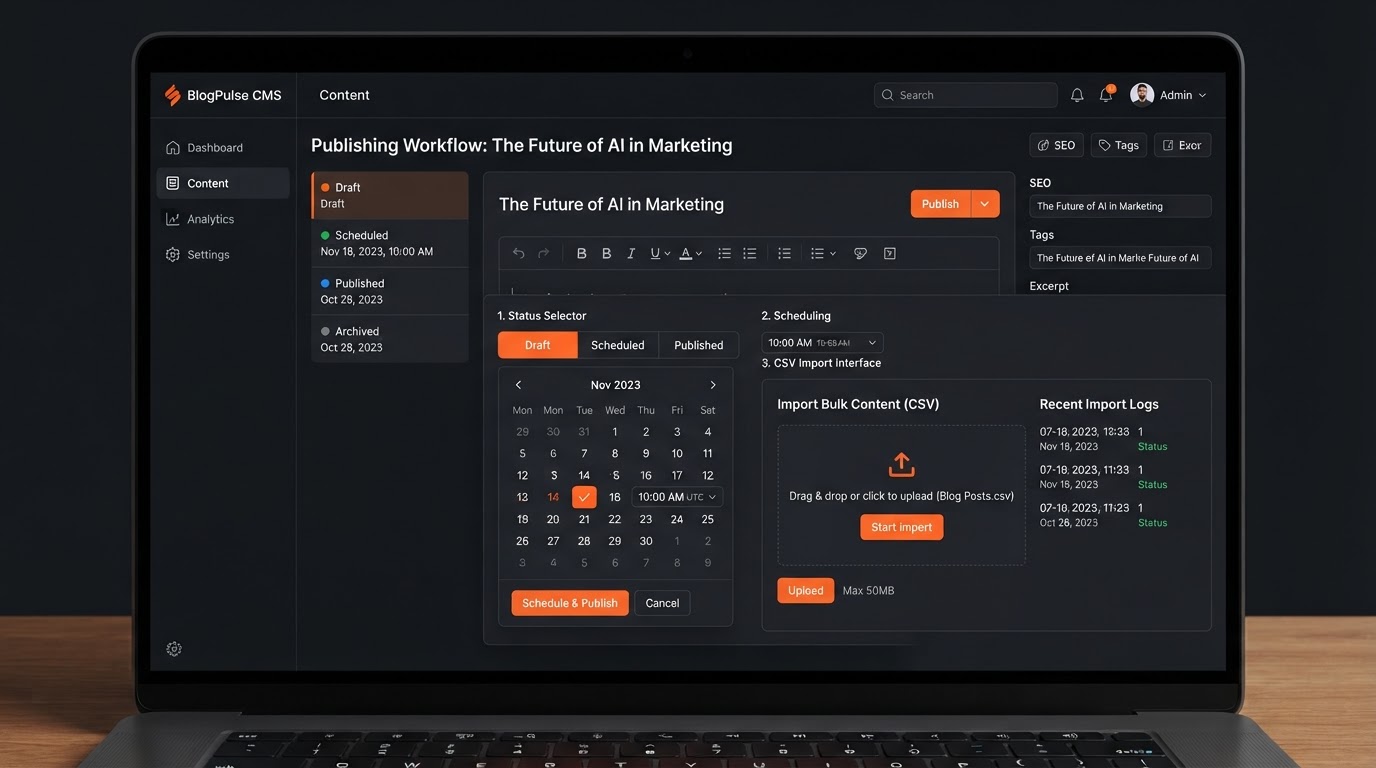
Flexible Publishing Workflows
Save articles as drafts, publish immediately, or schedule for automatic publishing at a future date and time. Bulk-import existing blog posts via CSV or directly from a URL — migrate your entire content library in minutes.
 Design
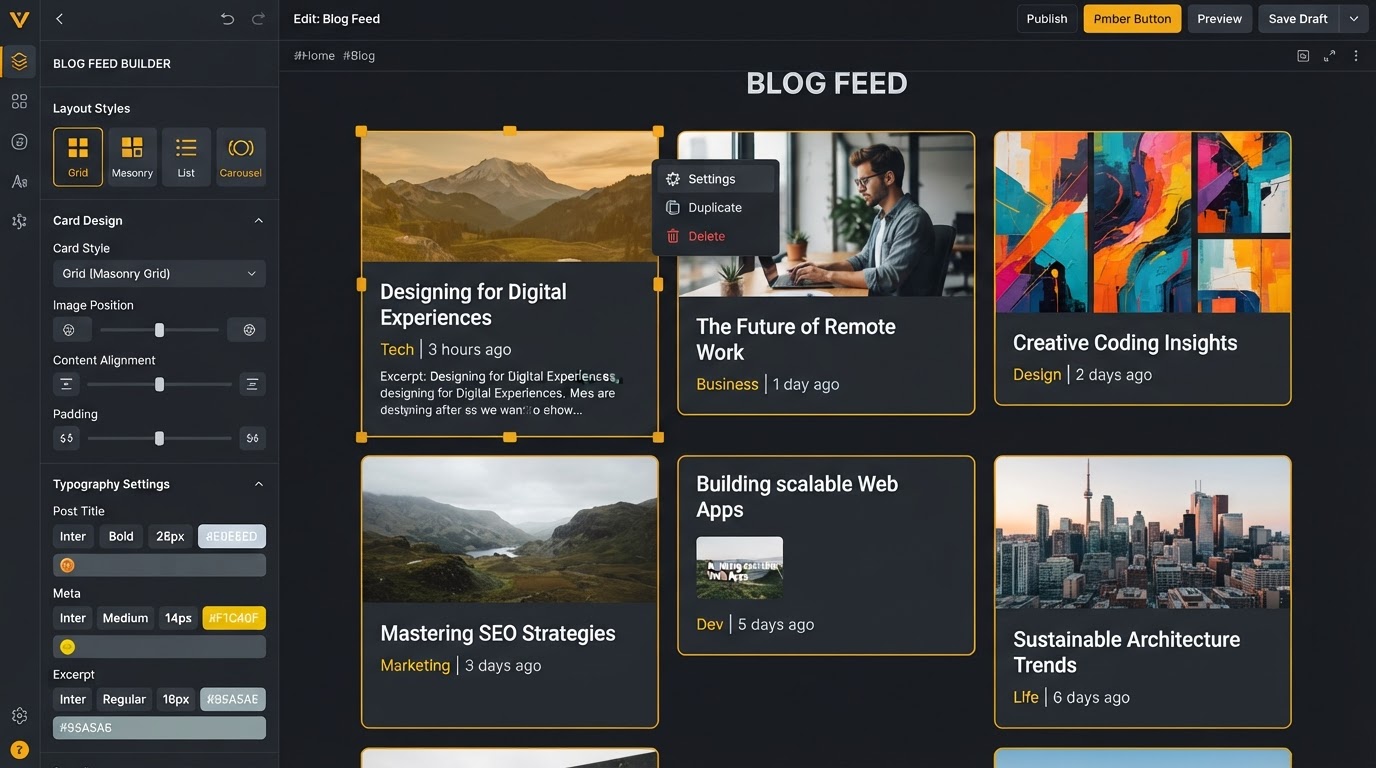
Visual Customization
Use the drag-and-drop page builder to customize how your blog feed looks on the front end. Adjust the layout (Standard or Compact), card styling, and typography so the blog seamlessly matches your main website branding.
FROM DRAFT TO PUBLISH TO BROADCAST
Write with AI assistance, optimize for search with built-in SEO fields, and let the auto-generated RSS feed broadcast every new post across your social channels — every step native, no external blog platform required.
Write & Format
A Rich Editor With AI Built In
Draft articles in a full-featured rich text editor with headings, bold, hyperlinks, and embedded media — images, YouTube videos, and audio files. Trigger the Content AI assistant right inside the editor to generate outlines, draft sections, or rewrite existing copy when you're stuck. No separate writing tool, no context switching.
- Rich text editor with headings, links & embedded media
- AI assistant for outlines, drafts & rewrites
- Embed images, YouTube videos & audio files
- Word-processor-style formatting — no code required

Optimize For Search
Built-In SEO Fields For Every Article
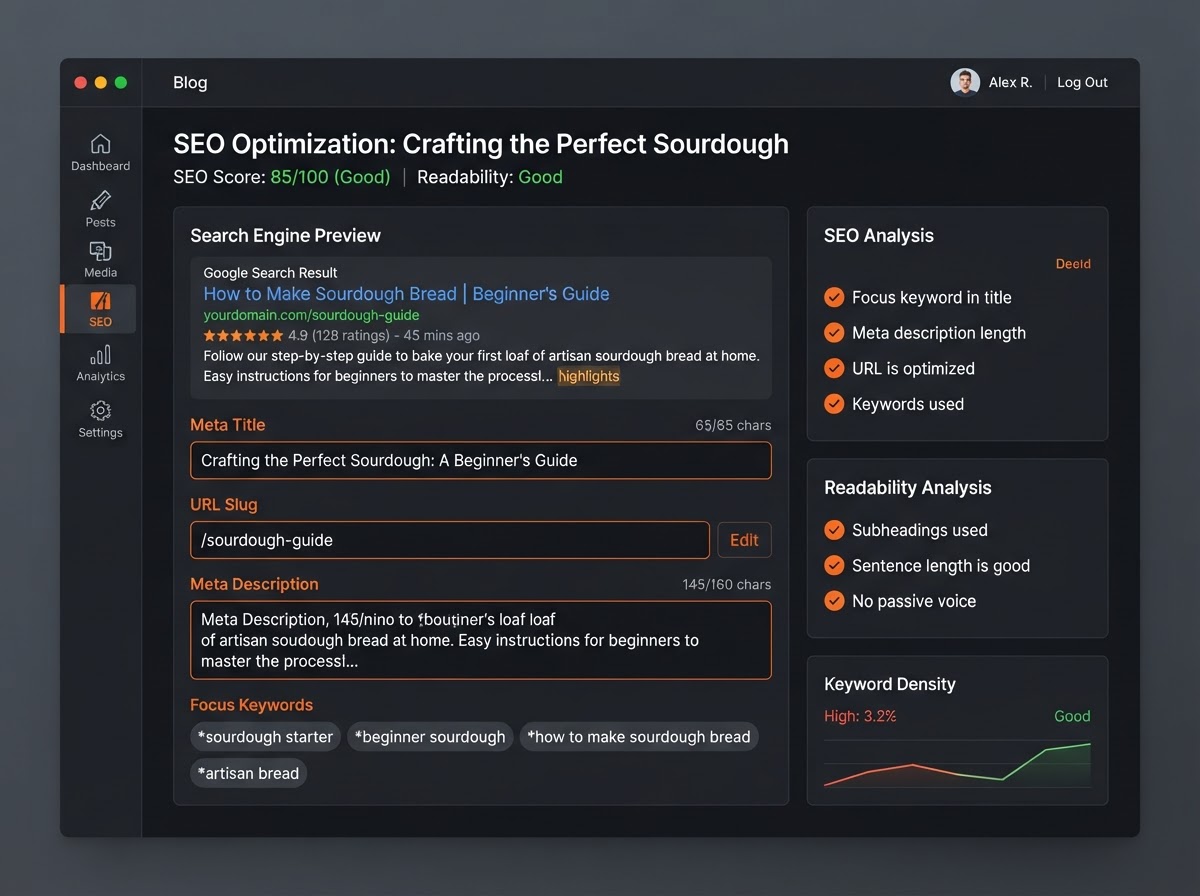
Every article gets dedicated SEO fields — custom URL slugs, meta titles and descriptions, canonical links, keywords, and alt-text for cover images. See exactly how your article will appear in Google search results before you hit publish. No external SEO plugin, no guesswork — just built-in optimization that helps your content rank.
- Custom URL slugs, meta titles & descriptions
- Canonical links, keywords & image alt-text
- Search engine preview before publishing
- No external SEO plugin required
Automate & Broadcast
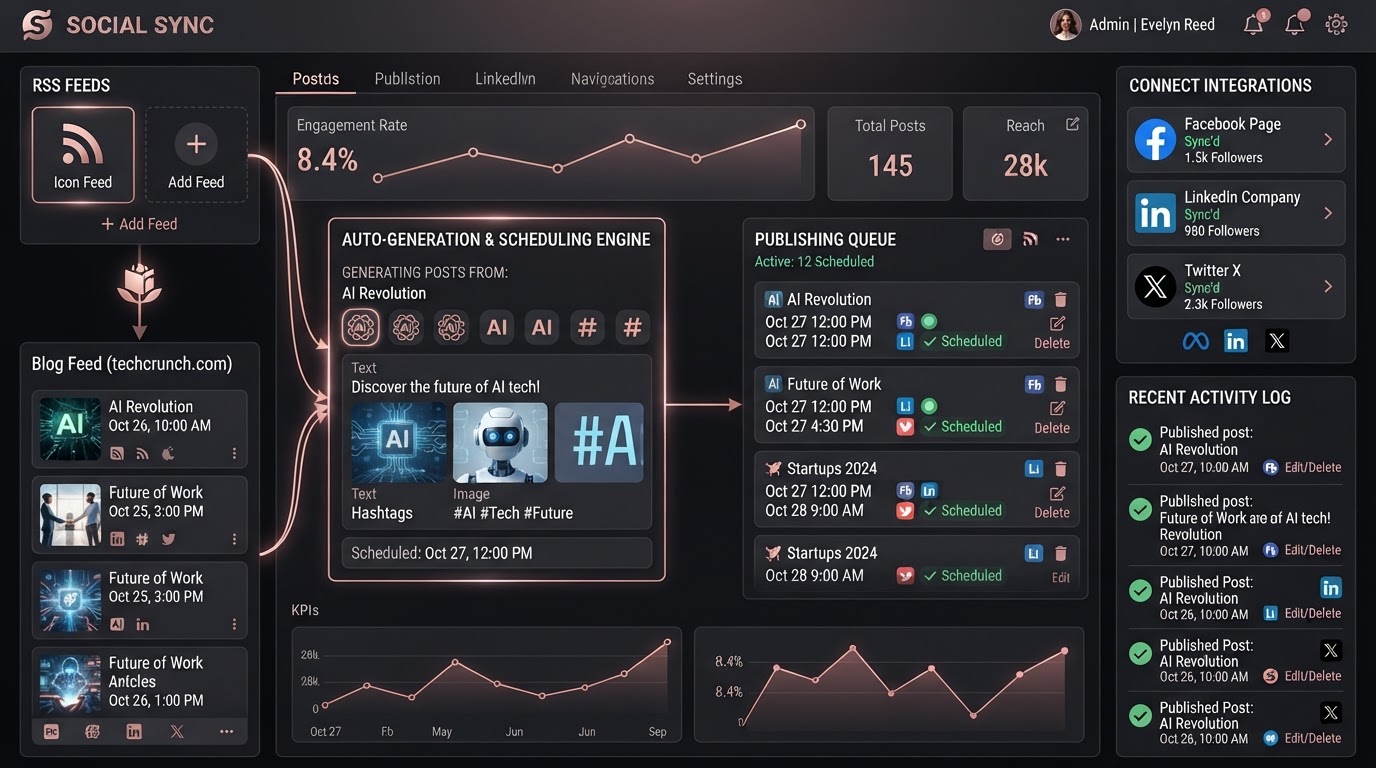
RSS-Driven Social Distribution — Hands-Off
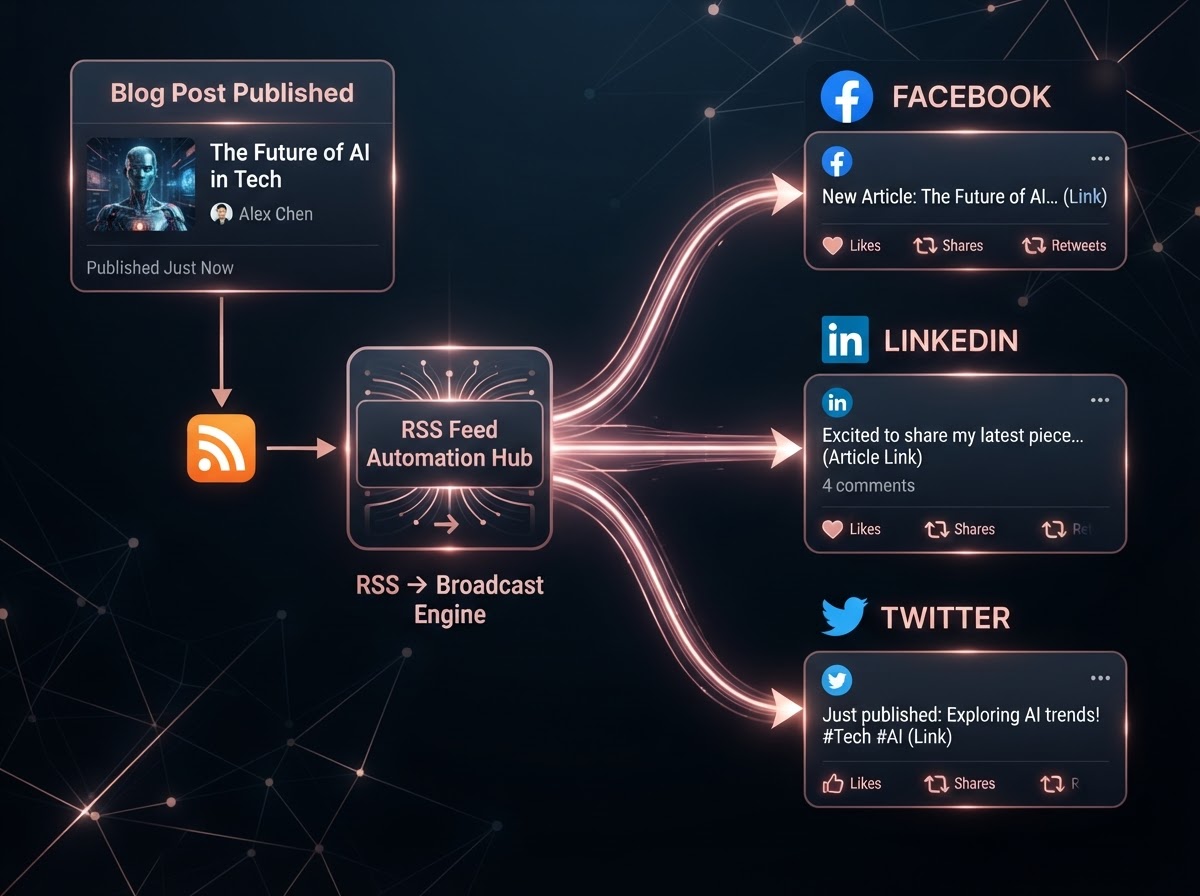
The platform automatically generates an RSS feed for your blog. Plug it directly into the Social Planner, and whenever you publish a new article, the system detects it and broadcasts a promotional post across all your connected social media channels — Facebook, LinkedIn, Twitter, and more — without any manual sharing required. Publish once, distribute everywhere.
- Auto-generated RSS feed for your blog
- Connect to Social Planner for auto-broadcasting
- Auto-post to Facebook, LinkedIn, Twitter & more
- Zero manual sharing required
REAL CONTENT, REAL RESULTS
See how businesses across industries use the native blog to publish SEO-optimized articles, draft with AI, and auto-broadcast new posts across their social channels — all flowing natively through their CRM.
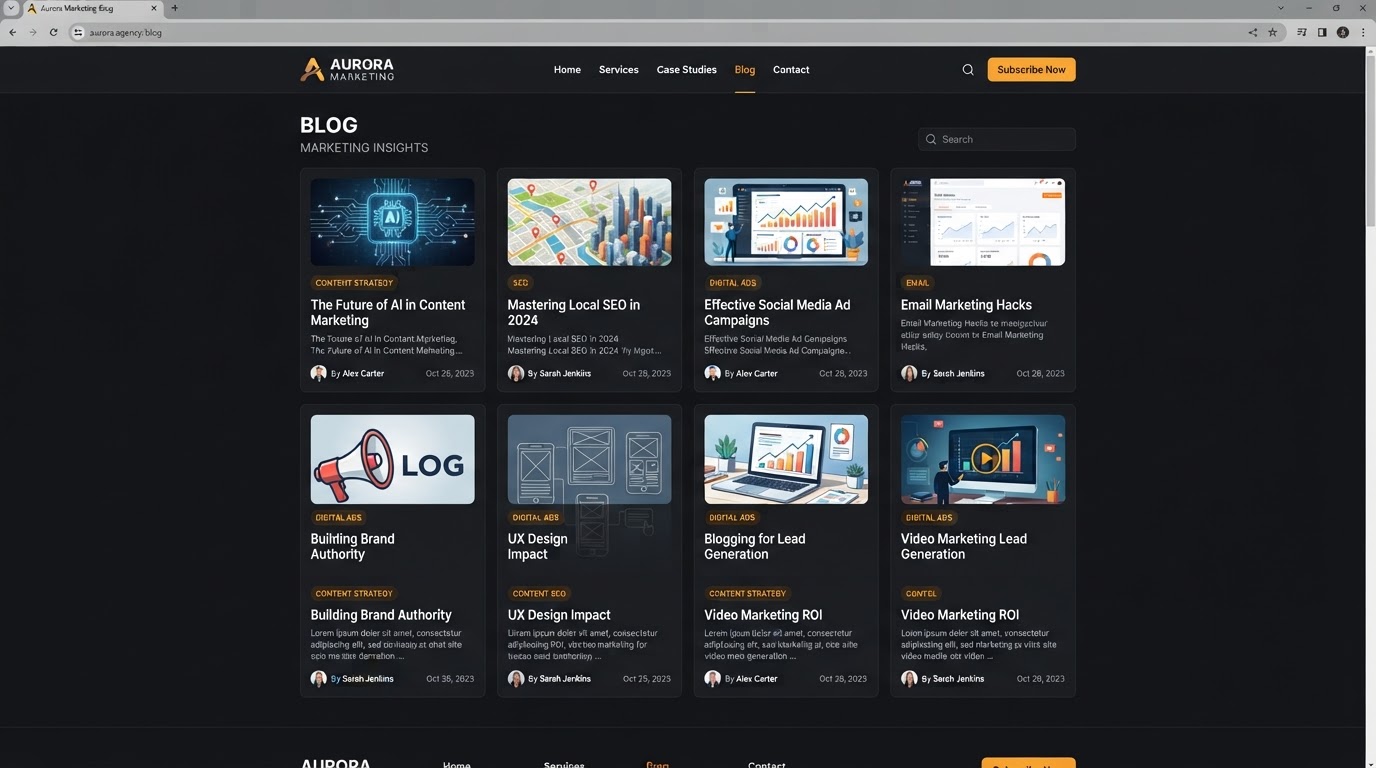 Marketing Agency
Content Hub For Lead Generation
A marketing agency publishes weekly thought-leadership articles on their native blog. Each article is SEO-optimized with custom slugs and meta descriptions, then automatically broadcast to Facebook, LinkedIn, and Twitter via the RSS-to-Social Planner connection — driving organic traffic and inbound leads without any manual sharing.
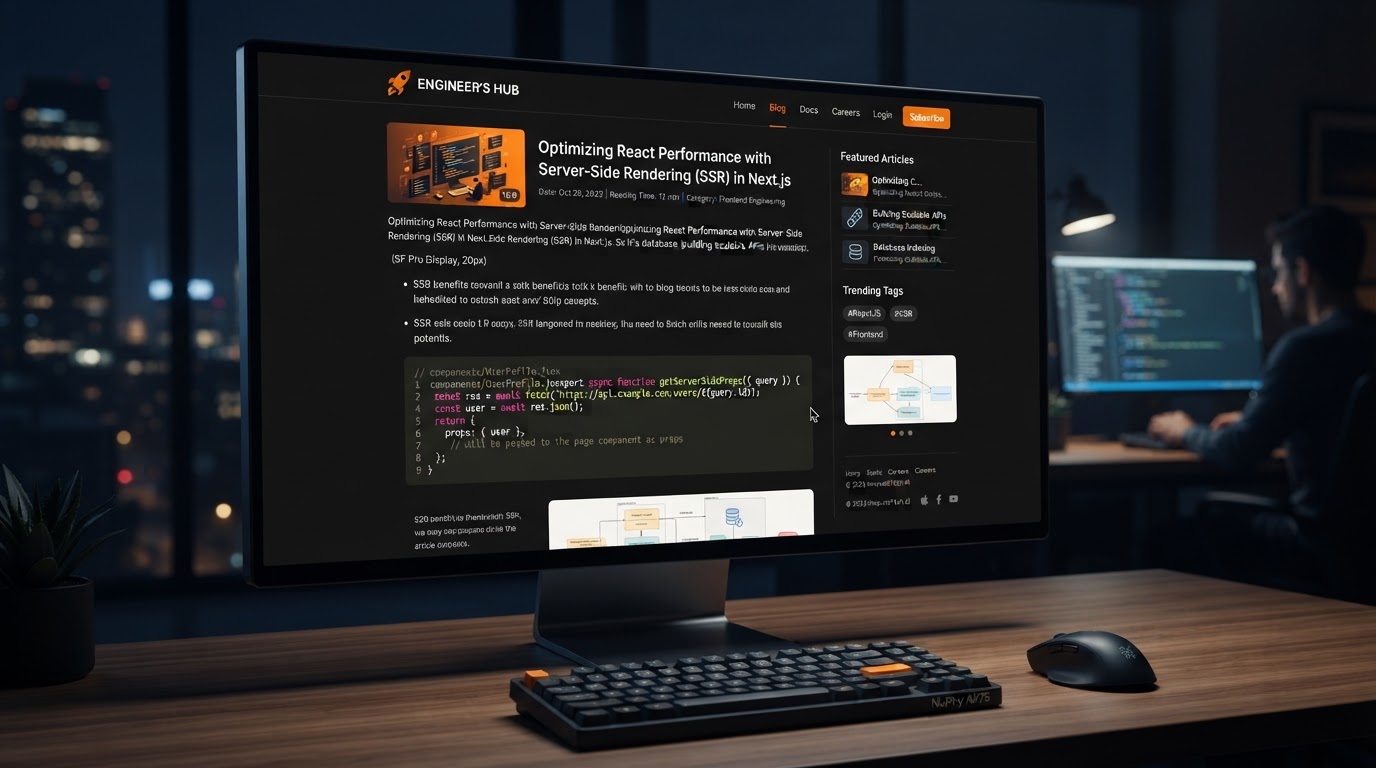 SaaS Company
Technical Blog With AI Drafts
A SaaS company uses the Content AI assistant to draft technical articles and product update posts. The AI generates outlines and section drafts, the team refines them in the rich text editor, and every article is scheduled for automatic publishing — keeping their content calendar full without writer's block slowing them down.
 Content Automation
RSS-Driven Social Broadcasting
A local business writes one blog post per week. The moment it's published, the auto-generated RSS feed triggers the Social Planner to broadcast a promotional post across Facebook, LinkedIn, and Twitter — each formatted for the platform. The team writes once and the system distributes everywhere, hands-off.
RANK ON GOOGLE & AI SEARCH ENGINES
Your blog isn't just a place to publish — it's an SEO engine. Built-in meta fields, AI-optimized content, and structured data ensure every article ranks on Google and gets cited by AI answer engines. No plugins, no extra cost.
Google Search Rankings
Custom slugs, meta titles, descriptions, canonical links, and keyword fields on every article keep you climbing the Google results pages.
AI Search Citations
Structured content and semantic markup ensure your articles get cited as the source by ChatGPT, Perplexity, and Google AI Overviews.
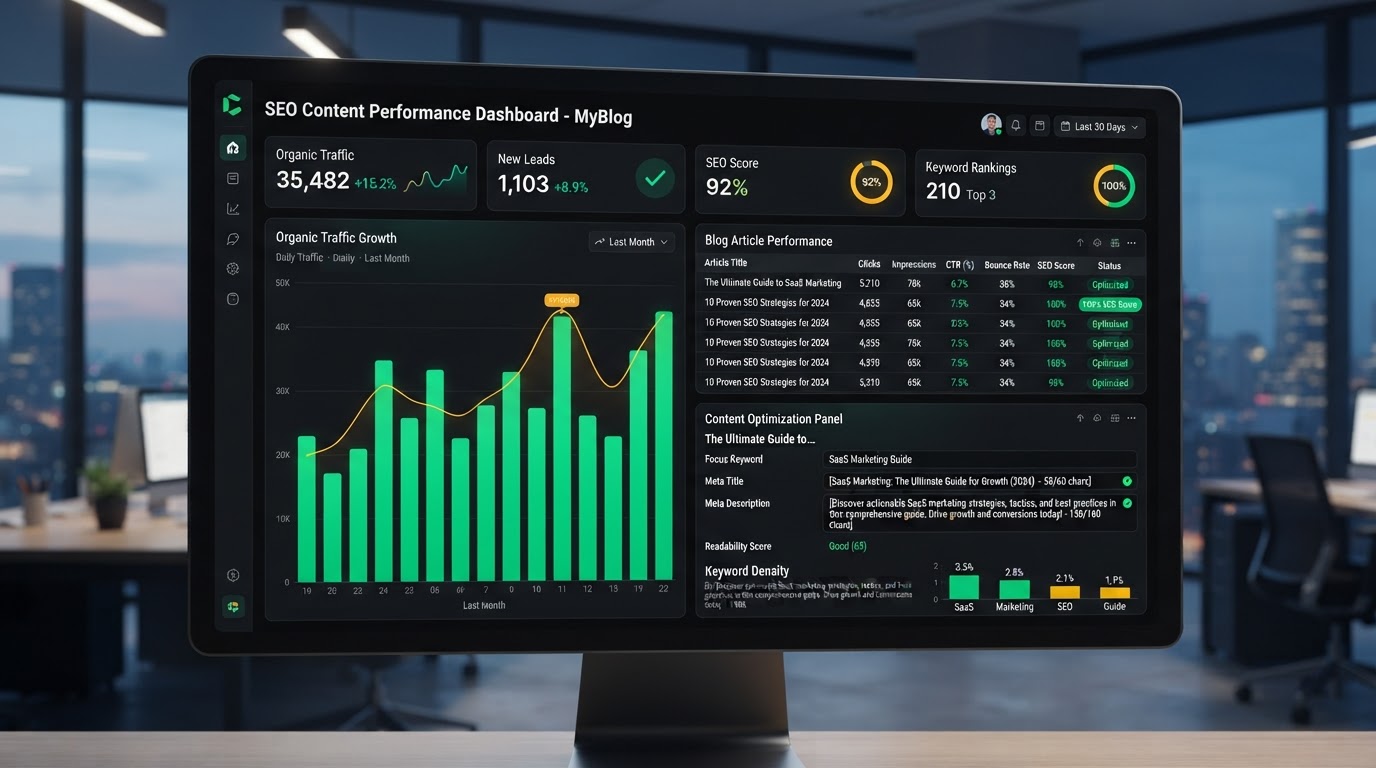
Built-In SEO Fields
Every article gets dedicated SEO fields — custom URL slugs, meta titles and descriptions, canonical links, keywords, and alt-text for cover images. Set it once per post and the platform handles the rest, no external SEO plugin required.
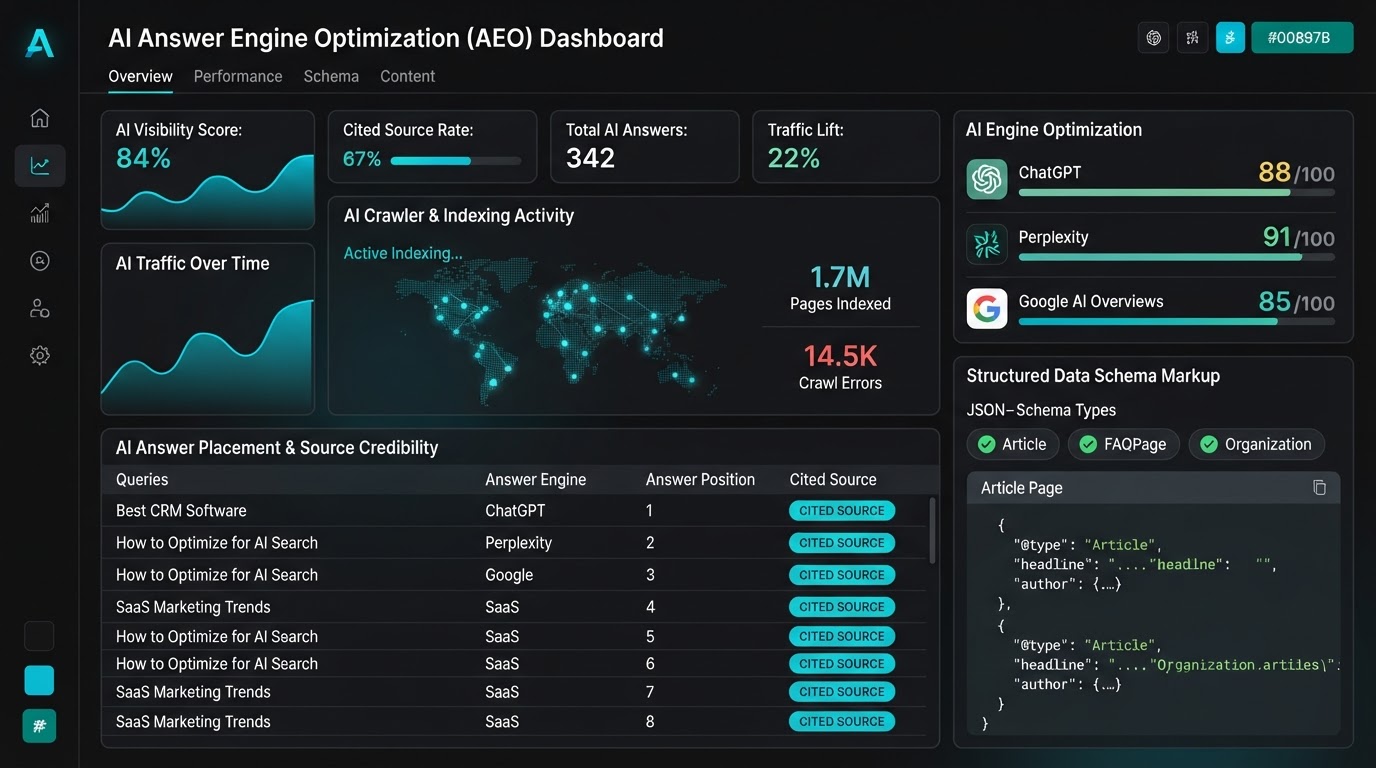
AI Answer Engine Optimization (AEO)
Beyond Google, the platform structures your blog content so AI answer engines like ChatGPT, Perplexity, and Google AI Overviews cite your articles as the source — capturing the new wave of AI-driven search traffic.
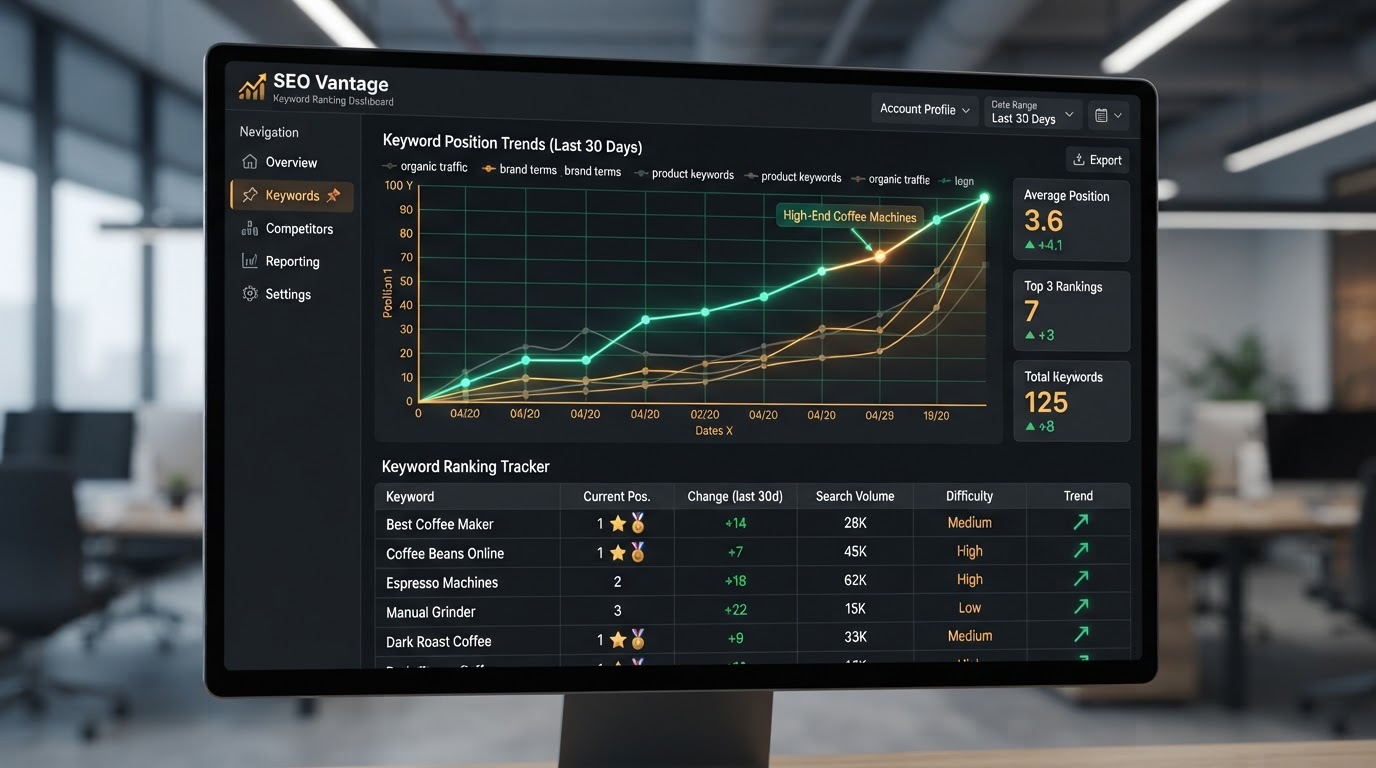
Organic Traffic Growth
Consistent publishing with optimized meta data drives compounding organic search traffic. Track how each article performs, identify your top-ranking posts, and double down on the content that converts visitors into leads.
Every Optimization, Automated
The platform handles these critical SEO & AEO tasks on every article you publish — no plugins, no manual configuration, no extra cost.
BLOGS BUILT FOR EVERY NICHE
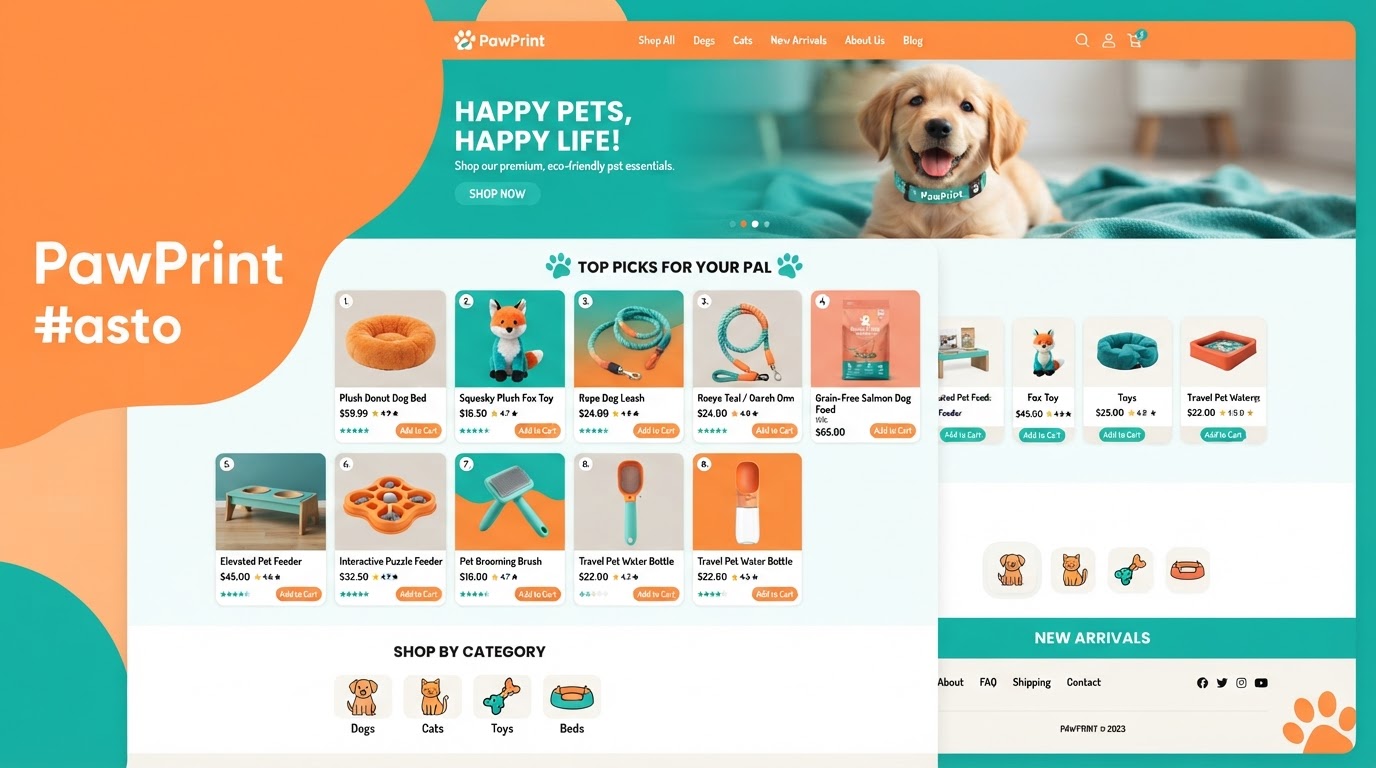
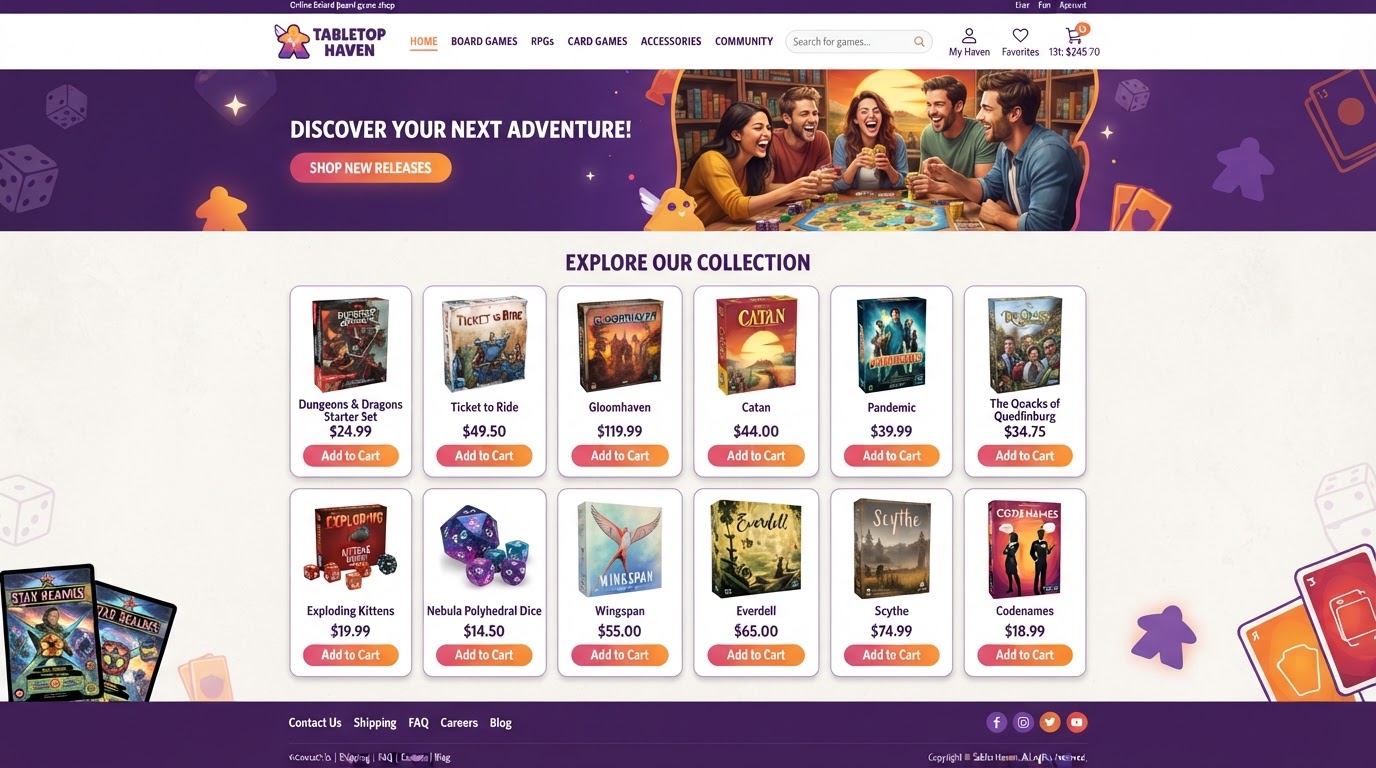
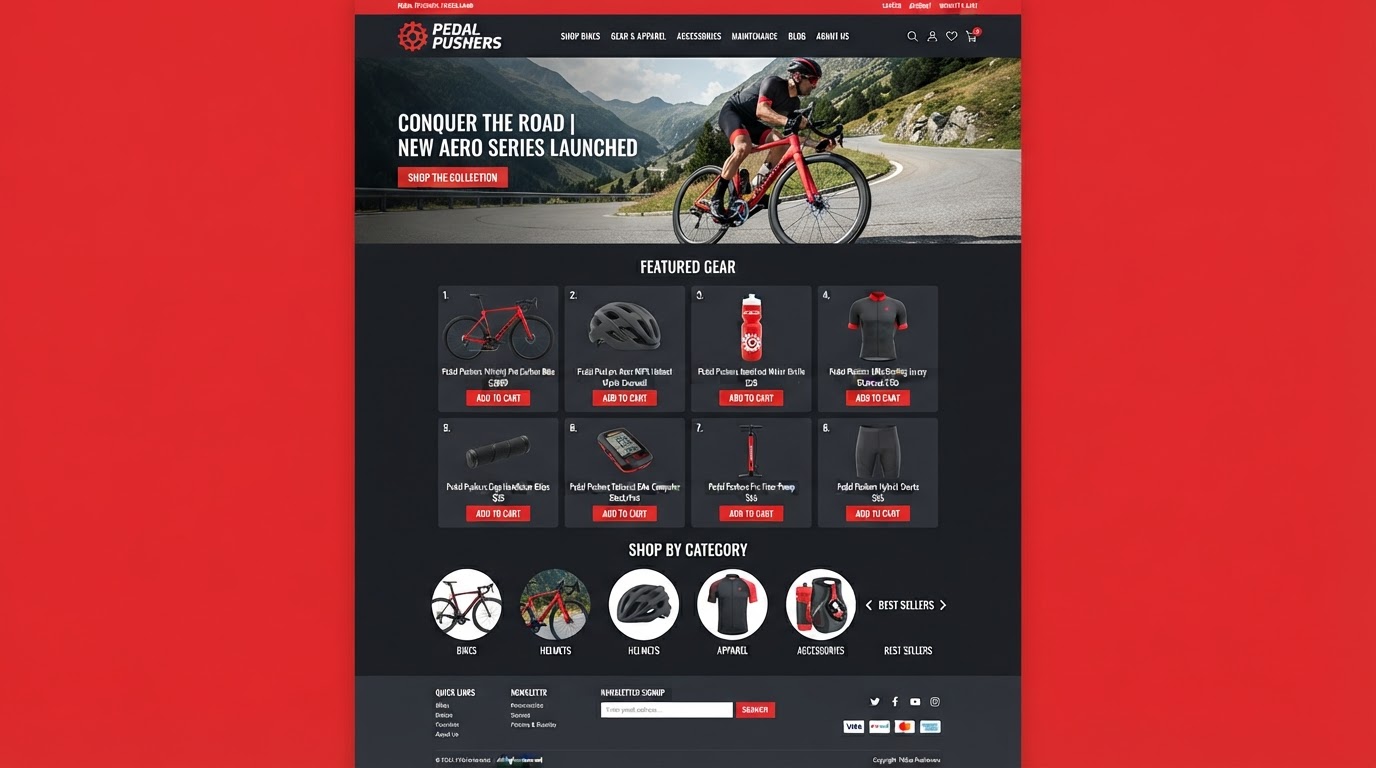
From dental clinics to SaaS startups, law firms to coffee shops — see the blogs you can launch with our native CMS. AI-assisted writing, built-in SEO, and auto-broadcasting to social, all in one platform.
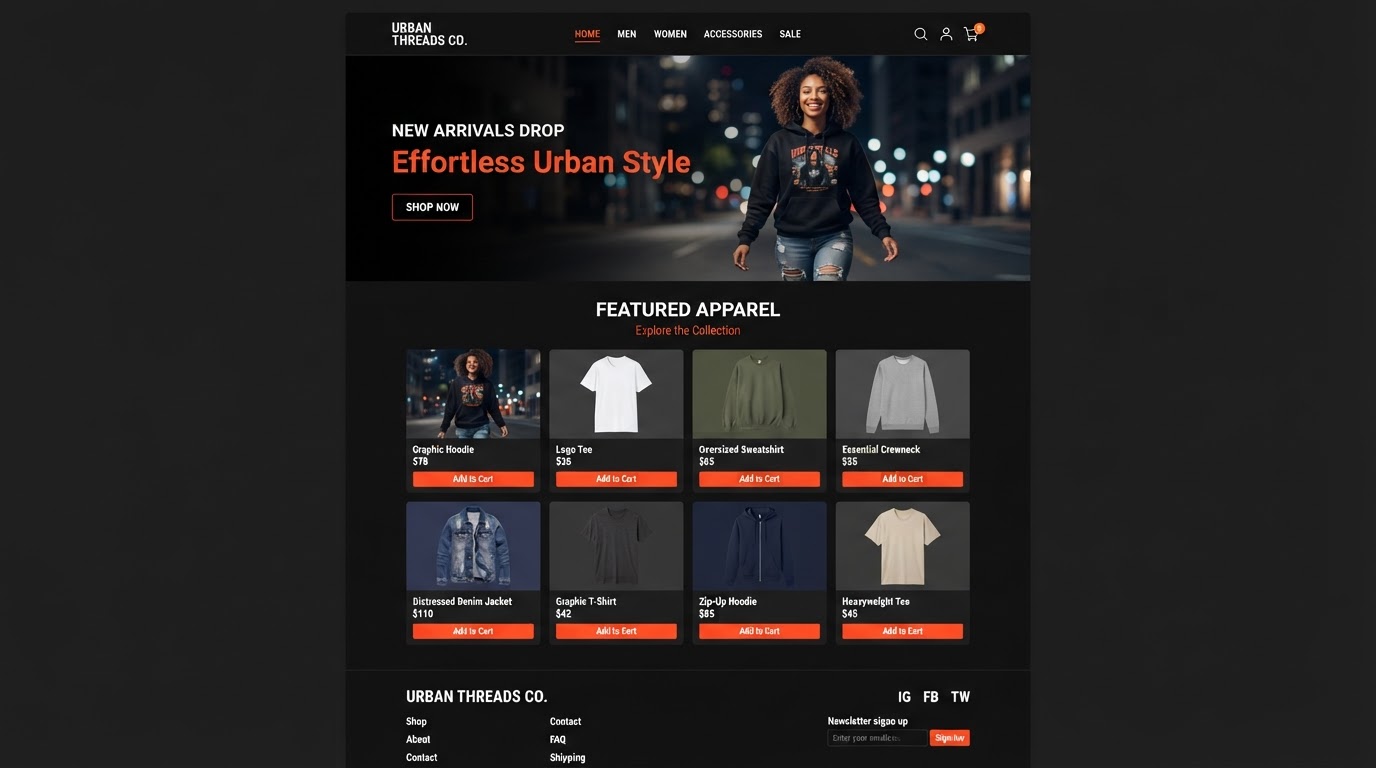
Lead-gen articles with AI-drafted sections

Patient education & whitening tips
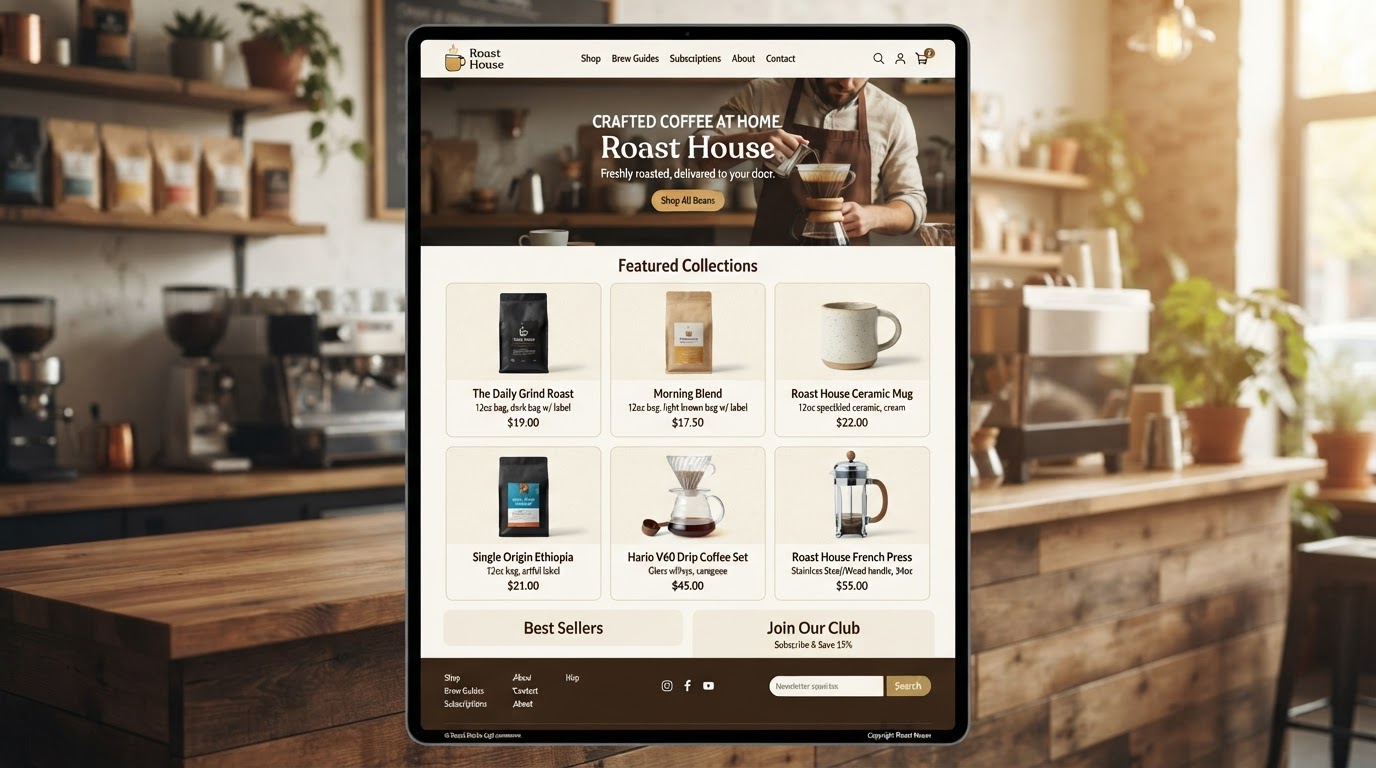
Neighborhood guides & market reports
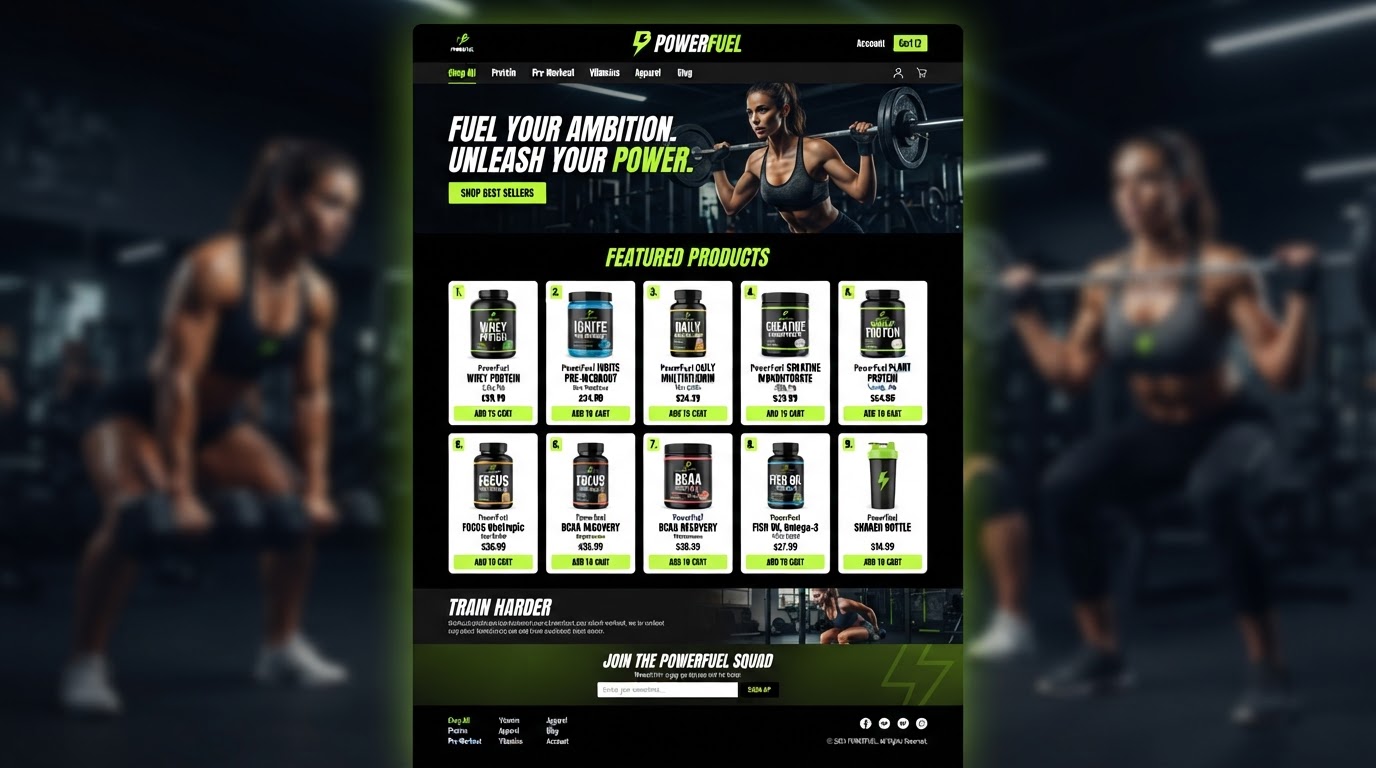
Workout routines & nutrition guides
Case studies & legal explainers
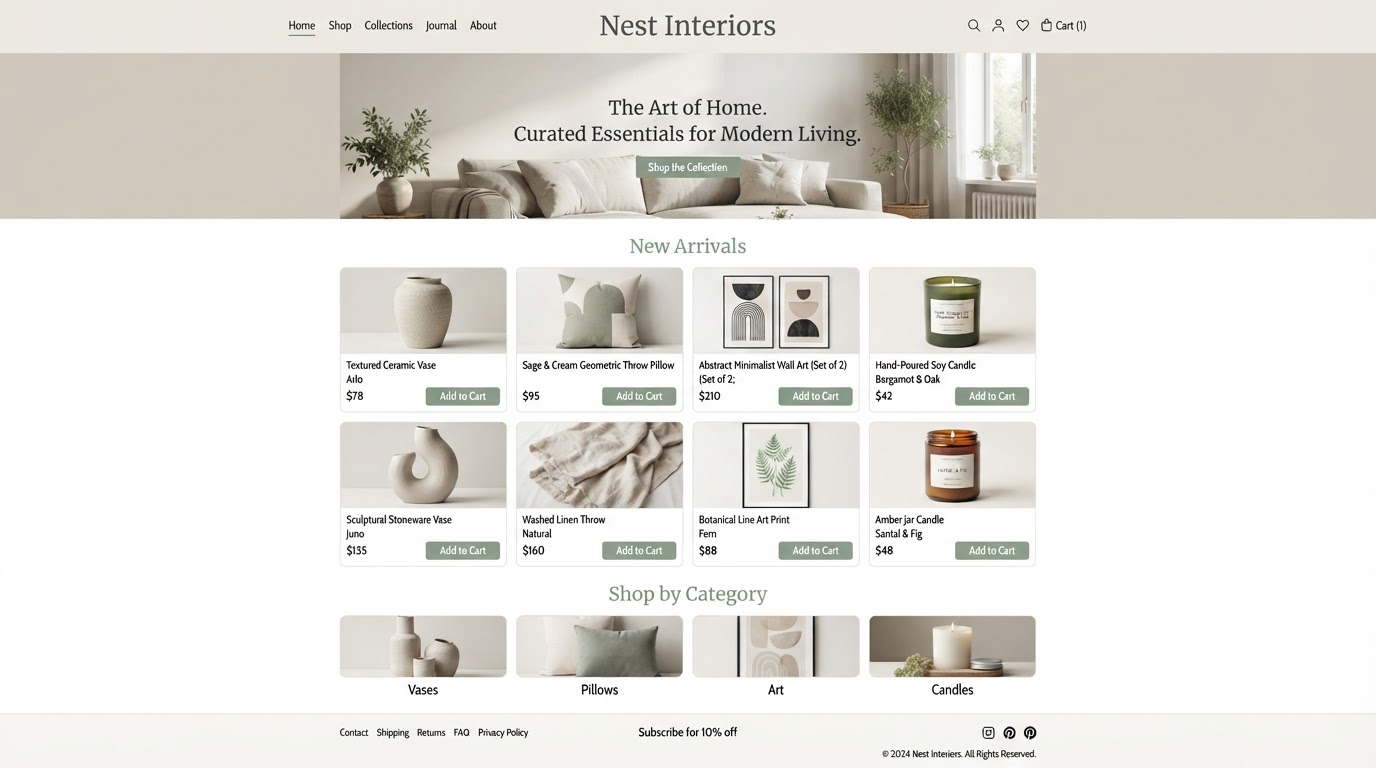
Product updates & technical articles
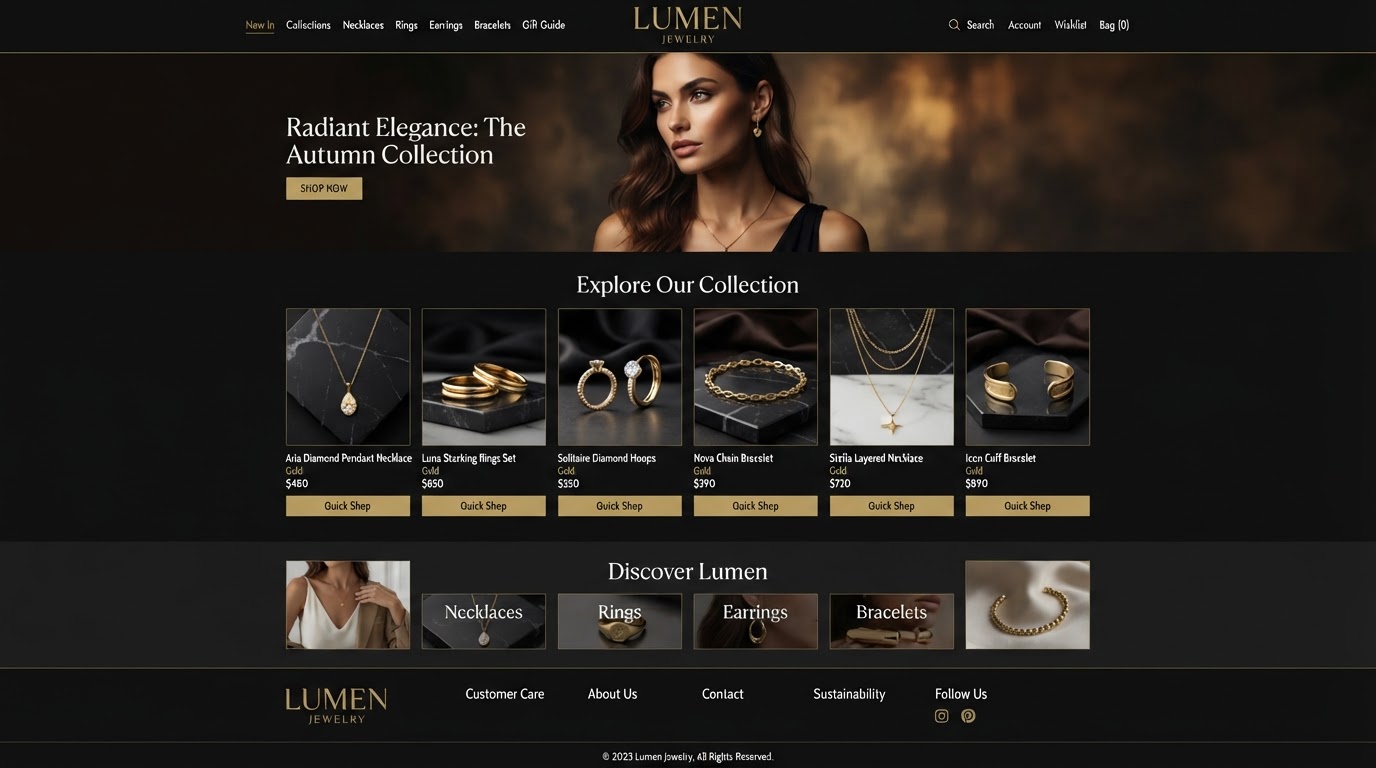
Chef stories & seasonal menus
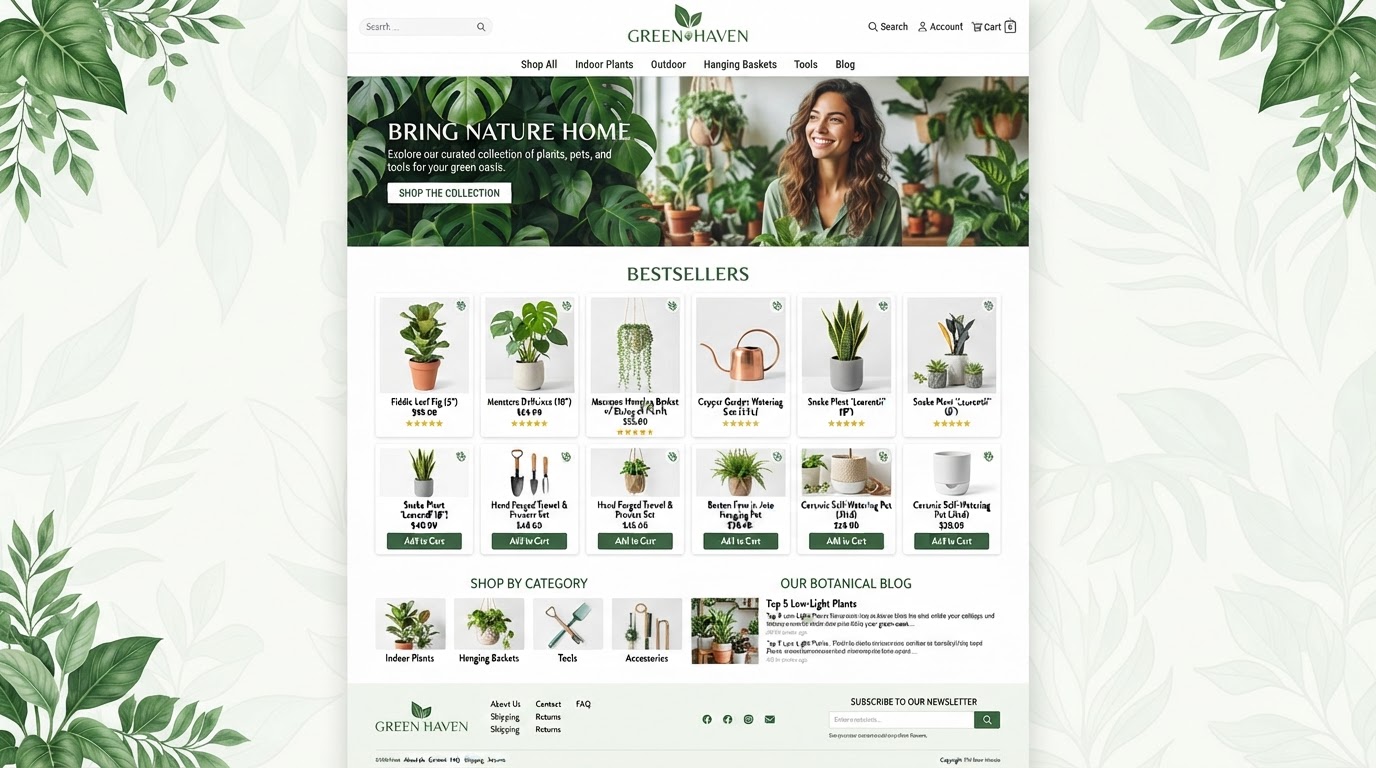
DIY tips & maintenance guides
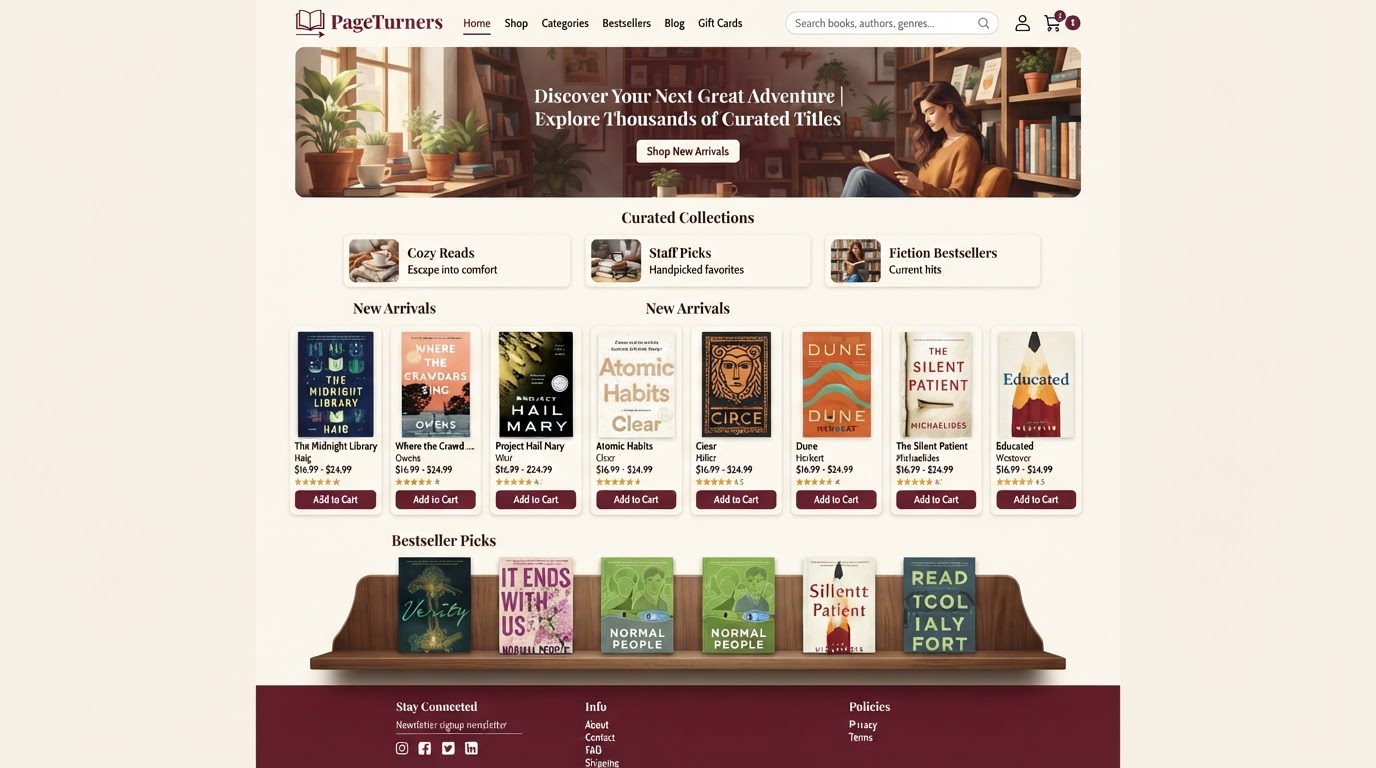
Behind-the-scenes & product spotlights
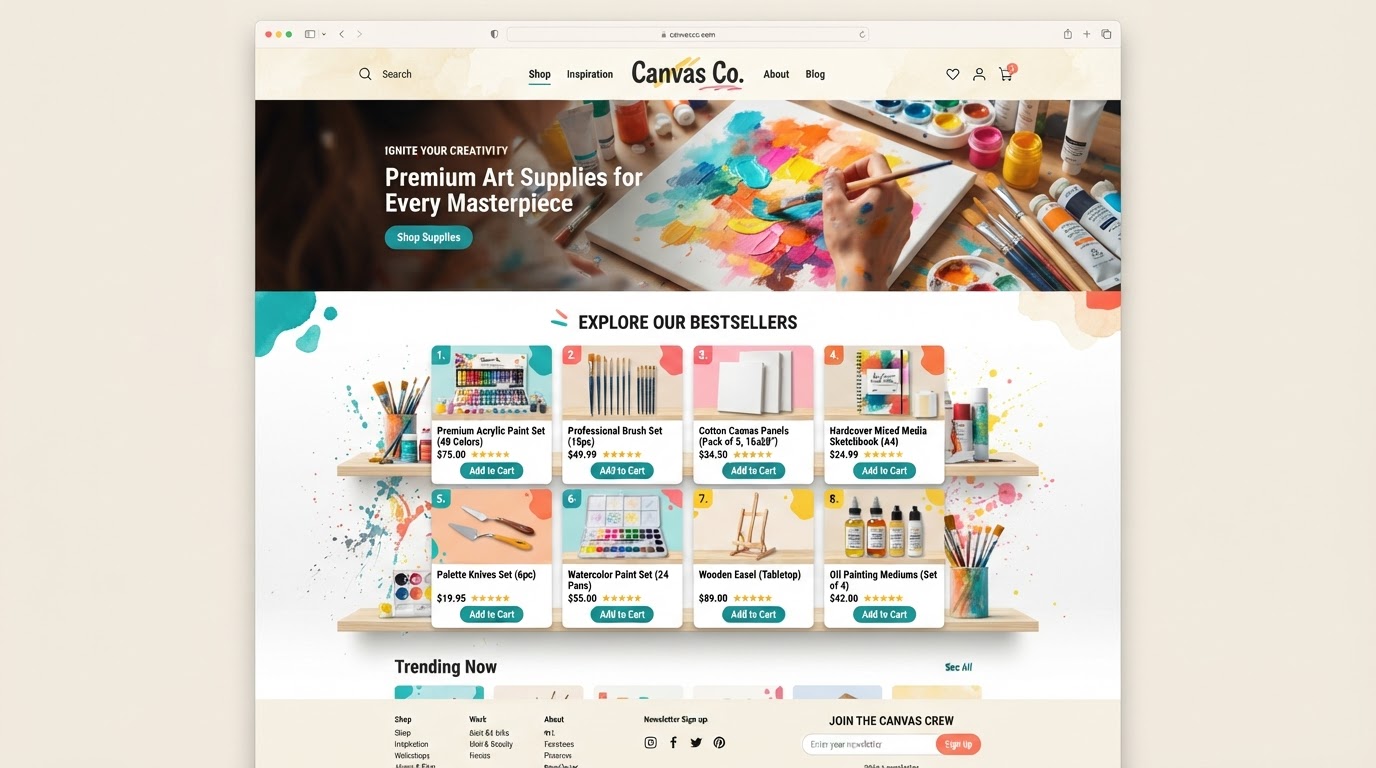
HVAC tips & seasonal checklists
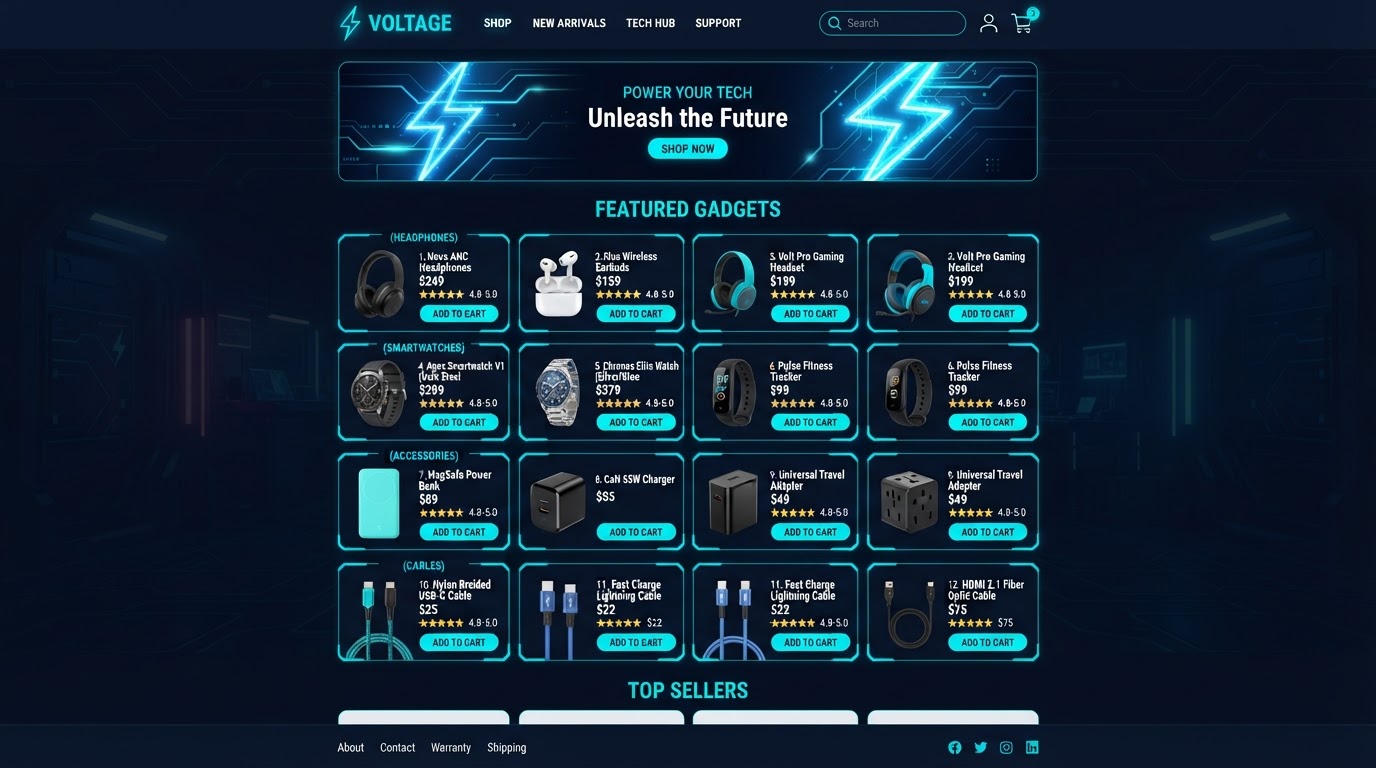
Treatment guides & skincare science
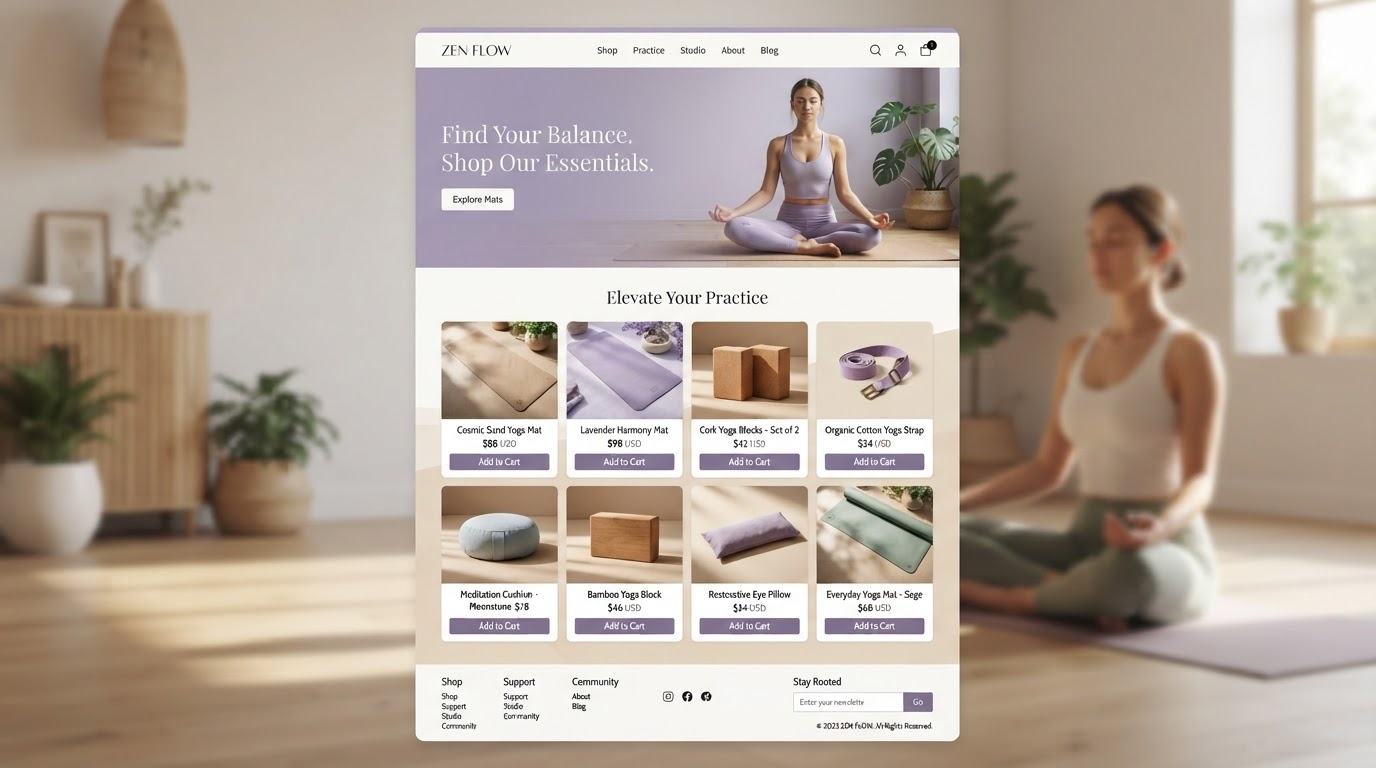
Tax tips & financial planning guides
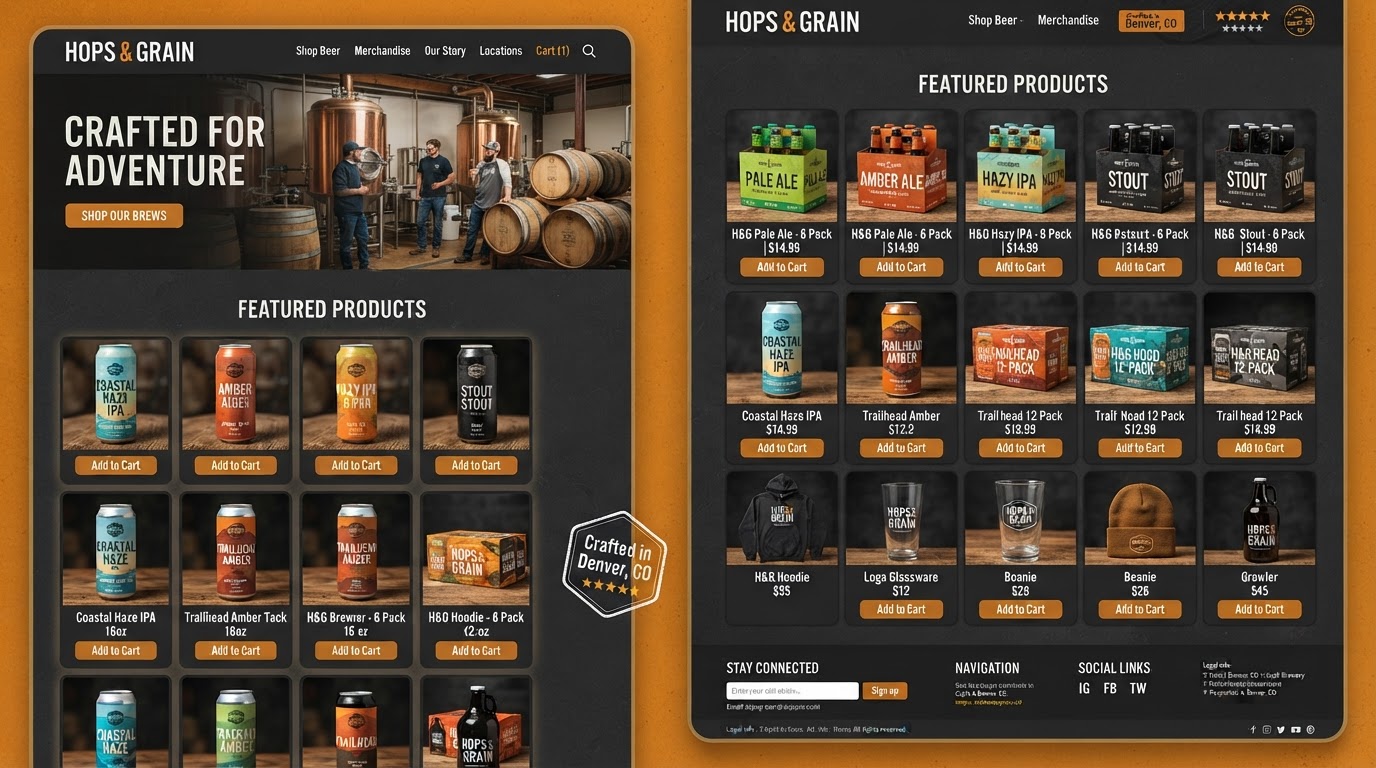
Brewing guides & bean origins
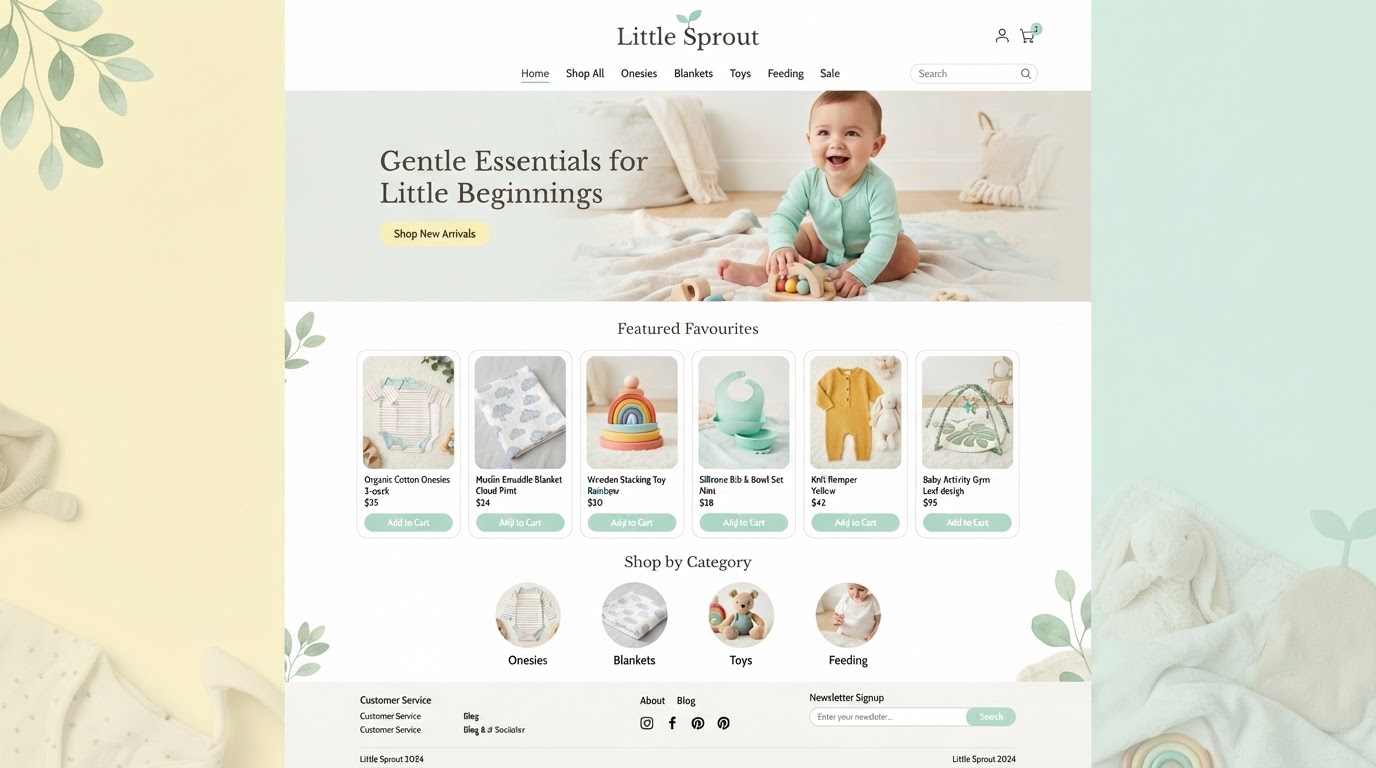
Pet health & training articles
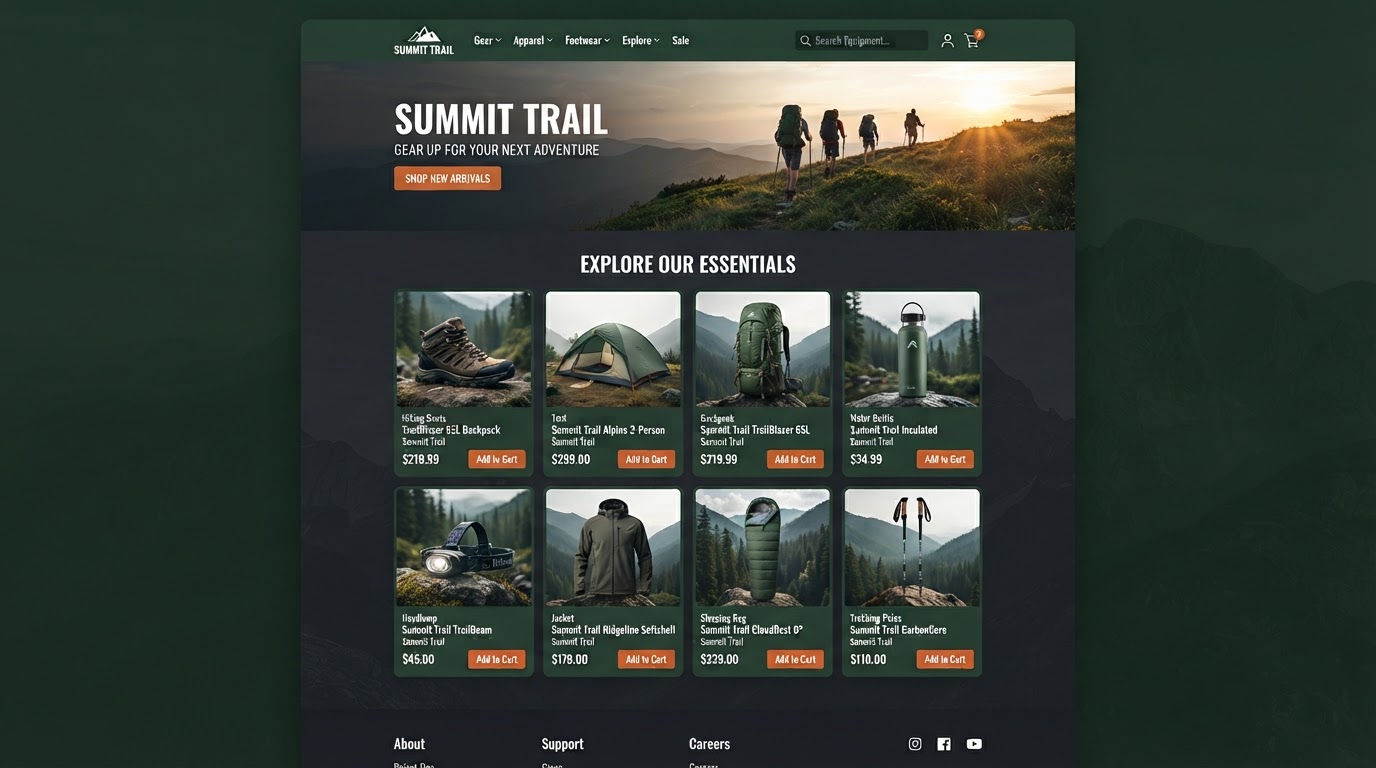
Destination guides & travel tips
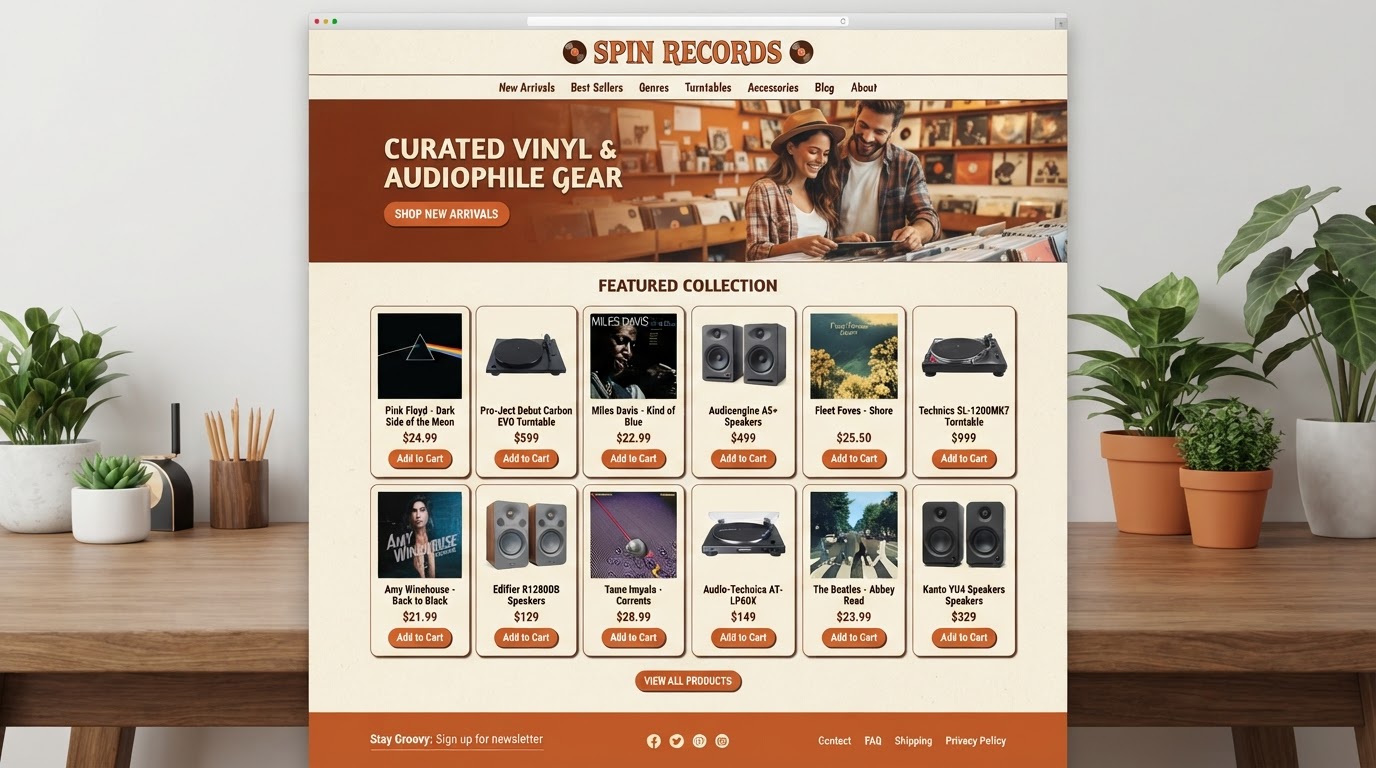
Portfolio stories & gear reviews
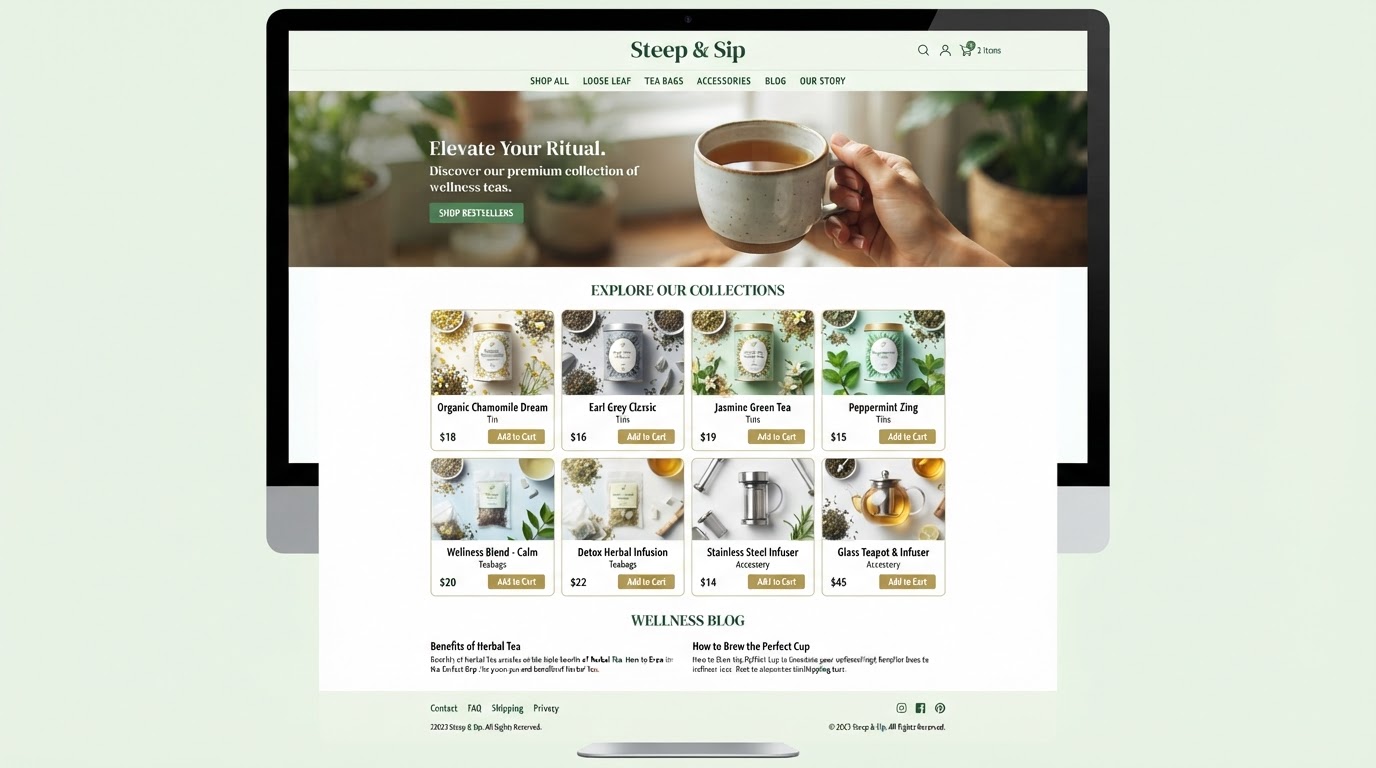
Wellness articles & class spotlights
Maintenance guides & repair tips
Lawn care guides & seasonal tips

Mindset articles & habit guides
Every blog above was built with the same native CMS. Pick a niche, deploy a template, and let AI draft your articles — no WordPress, no plugins, no extra cost.
Start WritingReplace all your content tools with one platform
Stop paying for separate blogging platforms, SEO plugins, and social scheduling tools. Westcoast Blogs consolidates your entire content workflow — at no extra cost.
Pick the software you're paying for today. We'll estimate your current monthly cost and show how Westcoast AI replaces it all — CRM, AI, and automation — with a plan sized for your team.
Select your current tools
0 selected · 302 platformsWestcoast AI
1 unified platform
CRM + AI + Automations included
Your Stack (est.)
$0/mo
0 tools
Est. Savings
$0/mo
$0/yr
Select the platforms you use today to see a feature-by-feature comparison with Westcoast AI.
MONTHLY PLANS
PRICING THAT FITS YOUR NEEDS AND BUDGET WITH ALL THE AUTOMATED AI INCLUDED
STARTER
- Basic
- 7-day free trial
- No setup fees
- 1 user
- AI & Automation
- AI Studio Web Builder
- Funnel Builder
- AI Voice Agent
- Text Message Conversation AI
- Creator Studio
- Mobile App Builder
- Basic AI Agents
- CRM
- Unlimited Contacts
- Opportunities & Pipeline Tracking
- Tasks
- Booking Calendars
- Marketing
- Social Media Planner & Automation
- Mass Email Campaigns
- Review & Reputation Management
- Social Media Ad Manager
- Affiliate Marketing Manager
GROWTH
- Basic
- 7-day free trial
- 20% off any advanced monthly AI services or lead generation
- No setup fees
- 3 users
- Snapshot Image For Your Industry Enabled
- AI & Automation
- AI Studio Web Builder
- Funnel Builder
- AI Voice Agent
- Text Message Conversation AI
- Creator Studio
- Mobile App Builder
- Auto Snapshot For Any Industry
- CRM
- Unlimited Contacts
- Opportunities & Pipeline Tracking
- Tasks
- Booking Calendars
- Unified Inbox (Email, SMS, Socials)
- Marketing
- Social Media Planner & Automation
- Mass Email Campaigns
- Review & Reputation Management
- Social Media Ad Manager
- Affiliate Marketing Manager
PREMIUM
- Basic
- 7-day free trial
- 30% off any advanced monthly AI services or lead generation
- No setup fees
- 10 users
- White-glove done-for-you custom setup
- API & Webhook Access
- AI & Automation
- AI Studio Web Builder
- Funnel Builder
- AI Voice Agent
- Text Message Conversation AI
- Creator Studio
- Mobile App Builder
- Auto Snapshot For Any Industry
- White-glove AI bot setup for voice and conversation done for you
- CRM
- Unlimited Contacts
- Opportunities & Pipeline Tracking
- Tasks
- Booking Calendars
- Unified Inbox (Email, SMS, Socials)
- Marketing
- Social Media Planner & Automation
- Mass Email Campaigns
- Review & Reputation Management
- Social Media Ad Manager
- Affiliate Marketing Manager
ENTERPRISE
- Basic
- No setup fees
- 40% off AI Leads and services
- 11 or more users
- White-glove done-for-you custom setup
- API & Webhook Access
- All Enterprise and custom solutions
- AI & Automation
- AI Studio Web Builder
- Funnel Builder
- AI Voice Agent
- Text Message Conversation AI
- Creator Studio
- Mobile App Builder
- Auto Snapshot For Any Industry
- White-glove AI bot setup for voice and conversation done for you
- CRM
- Unlimited Contacts
- Opportunities & Pipeline Tracking
- Tasks
- Booking Calendars
- Unified Inbox (Email, SMS, Socials)
- Marketing
- Social Media Planner & Automation
- Mass Email Campaigns
- Review & Reputation Management
- Social Media Ad Manager
- Affiliate Marketing Manager
BLOGS QUESTIONS
Blogs is a native CMS built directly into your CRM and website builder. Instead of maintaining a separate WordPress installation, you write, organize, and publish articles right inside your platform — with rich text formatting, SEO management, content organization, and automated social distribution all included at no extra cost.
Yes. The built-in Content AI assistant is available directly inside the blog editor. You can trigger it to generate outlines, draft sections of text, or rewrite existing content to overcome writer's block — all without leaving the editor or switching to another tool.
Yes. Every article includes dedicated SEO fields where you can set custom URL slugs, meta titles and descriptions, canonical links, keywords, and alt-text for cover images. You can also preview how your article will appear in Google search results before publishing — no external SEO plugin required.
The platform automatically generates an RSS feed for your blog. You connect this feed to the Social Planner, and whenever you publish a new article, the system detects it and automatically broadcasts a promotional post across your connected social media channels — Facebook, LinkedIn, Twitter, and more — without any manual sharing required.
Yes. Articles can be saved as drafts, published immediately, or scheduled for automatic publishing at a future date and time. You can also bulk-import existing blog posts via CSV or directly from a URL, making it easy to migrate your entire content library to the native CMS in minutes.
Yes. Once content is written, you use the drag-and-drop page builder to customize the blog feed layout. You can choose between Standard or Compact layouts, adjust card styling and typography, and ensure the blog seamlessly matches the branding of your main website — all visually, no code required.
See your business built in minutes.
Book a live walkthrough of the Westcoast AI Studio. Tell us what you sell and watch us generate a complete, niche-matched website on the spot — copy, imagery, layout, and CRM integration included.

Book your demo
Tell us about your project — we'll build it live.